|
#16
 29-11-2018, 00:48
|
||||
|
||||
|
Quote:


|
| Sponsored Links |
|
#17
29-11-2018, 02:28
|
|||
|
|||
|
Hi
Can you upload program CIUv2 by Yener90? BAMsE. Kaktor and Razor12911 for compatibility UA. Simorq Me and explain how it works like this
|
|
#18
29-11-2018, 06:20
|
|||
|
|||
|
|
|
#19
29-11-2018, 08:51
|
||||
|
||||
|
Quote:
|
| The Following User Says Thank You to pakrat2k2 For This Useful Post: | ||
mahmoudmakhamra (30-11-2018) | ||
|
#20
30-11-2018, 23:23
|
|||
|
|||
|
Quote:
|
|
#21
01-12-2018, 04:21
|
|||
|
|||
|
Quote:
Code:
https://fileforums.com/showthread.php?t=99227
__________________
Paint me white so i can invisibly fight in the light...paint me black so i can hide my tears in the shadow of your heart.
|
|
#22
01-12-2018, 07:54
|
||||
|
||||
|
Quote:
ultraarc - edit config0.ini, located in resource folder, put the information in the mmc line. Then when running ultraarc select MMC for compression method. diskspan - you can choose custom method & put it there.
|
|
#23
01-12-2018, 11:18
|
||||
|
||||
|
Quote:
this is what we have: Code:
Ztool(zlib)+srep:m3f:a16:d1g+lolz:dtb1:tt8:mt2:gm20:fba0:d128m I tried with ztool or zlib or pZLib3:m1:c32m:t75p or pZLib but one of them worked the only working method which i could compress the game was this: Code:
pZLib+srep:m3f+lolz:dtb1:tt8:mt2:gm20:fba0:d128m I don'd know which file should be in CIUv2 folder to make an installer that is able to install a pzlib compressed game Last edited by zirkhaki; 02-12-2018 at 09:10.
|
| The Following User Says Thank You to zirkhaki For This Useful Post: | ||
GTX590 (01-12-2018) | ||
|
#24
01-12-2018, 11:25
|
||||
|
||||
|
Because it's wrong.
If you want to use ZTool, you have to write something like this: Code:
pzlib+srep:m3f+lolz:dtb1:tt8:mt2:gm20:fba0:d128m Code:
[External compressor:pzlib] header = 0 packcmd = _Compressors\ZTool\ZTool e:pzlib:max:t100p Input <stdout> unpackcmd = _Compressors\ZTool\ZTool d:pzlib:t100p:cm0mb - - <stdin> <stdout> datafile = Input Code:
packcmd = _Compressors\ZTool\ZTool e:pzlib:max:t100p Input <stdout> Code:
packcmd = _Compressors\ZTool\ZTool e:{options} Input <stdout>
Code:
MMC=pzlib:t100p+srep+........ Code:
MMC={ZTool Codec}:{Codec options}+.....
__________________
Haters gonna hate
Last edited by KaktoR; 01-12-2018 at 11:28.
|
|
#25
02-12-2018, 09:20
|
||||
|
||||
|
Thanks for the info
As I said I \'ve done the conversion with this using Diskspan: Code:
pzlib+srep:m3f+lolz:dtb1:tt8:mt2:gm20:fba0:d128m I have this in "FA.ini": Code:
[External compressor:pZLib,pzlib]
header    = 0
default   = :max:c32m
packcmd   = "PE\ZTool" e:pzlib:t75p{:option} - - <stdin> <stdout>
unpackcmd = "PE\ZTool" d:pzlib:t100p:cm0 - - <stdin> <stdout>
datafile  = InFile
"ZTool.exe" is in "_PE" & "PE" folder.
|
|
#28
02-12-2018, 12:20
|
||||
|
||||
|
Quote:
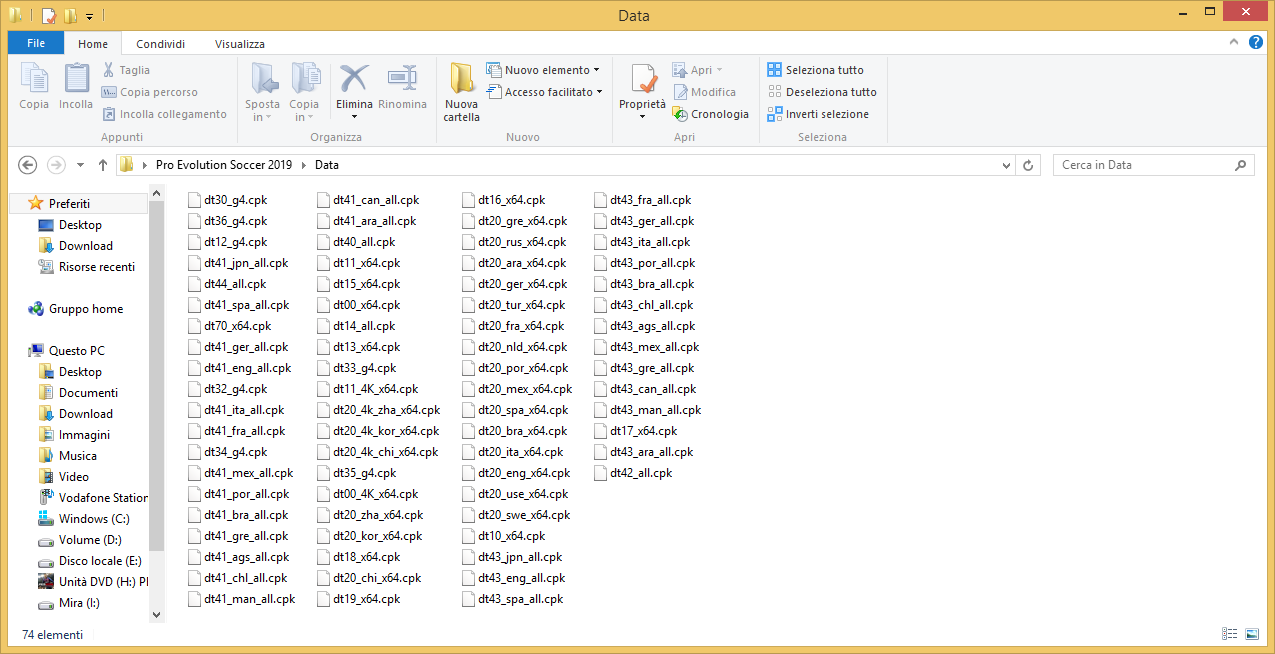
SPA spanish, ENG english, GER German, FRA French etc... 
|
|
#29
03-12-2018, 04:59
|
|||
|
|||
|
Quote:
|
 |
|
|
 Similar Threads
|
||||
| Thread | Thread Starter | Forum | Replies | Last Post |
| INDEX - CD2DVD Conversion Index **UPDATED: 17-07-2024** | Grumpy | PC Games - CD/DVD Conversions | 252 | 16-07-2024 20:35 |
| the best editors & trainer & ... for pes 2012 | alimoazzez | PC Games | 0 | 14-11-2011 02:43 |


 Linear Mode

