|
|
|
#1
 15-09-2026, 01:08
|
||||
|
||||
|
The Blood of Dawnwalker
Before someone asks Code:
Streams: 813238
  - zlib = 5316 (0,43%)
  - mermaid = 6254 (1,30%)
  - leviathan = 801614 (75,51%)
__________________
Haters gonna hate

|
| Sponsored Links |
|
#2
15-09-2026, 13:14
|
|||
|
|||
|
Quote:
__________________
hmmz
|
|
#4
15-09-2026, 14:52
|
|||
|
|||
|
Hello KaktoR. I compressed *Metal Gear Solid V: The Phantom Pain* using the DSG Module 2.0.2.4 version; however, the installation fails when I use the setup wizard created by mausschieber. The game files get corrupted because they do not revert to their original state during the restoration process following the compression of the game files and audio assets.
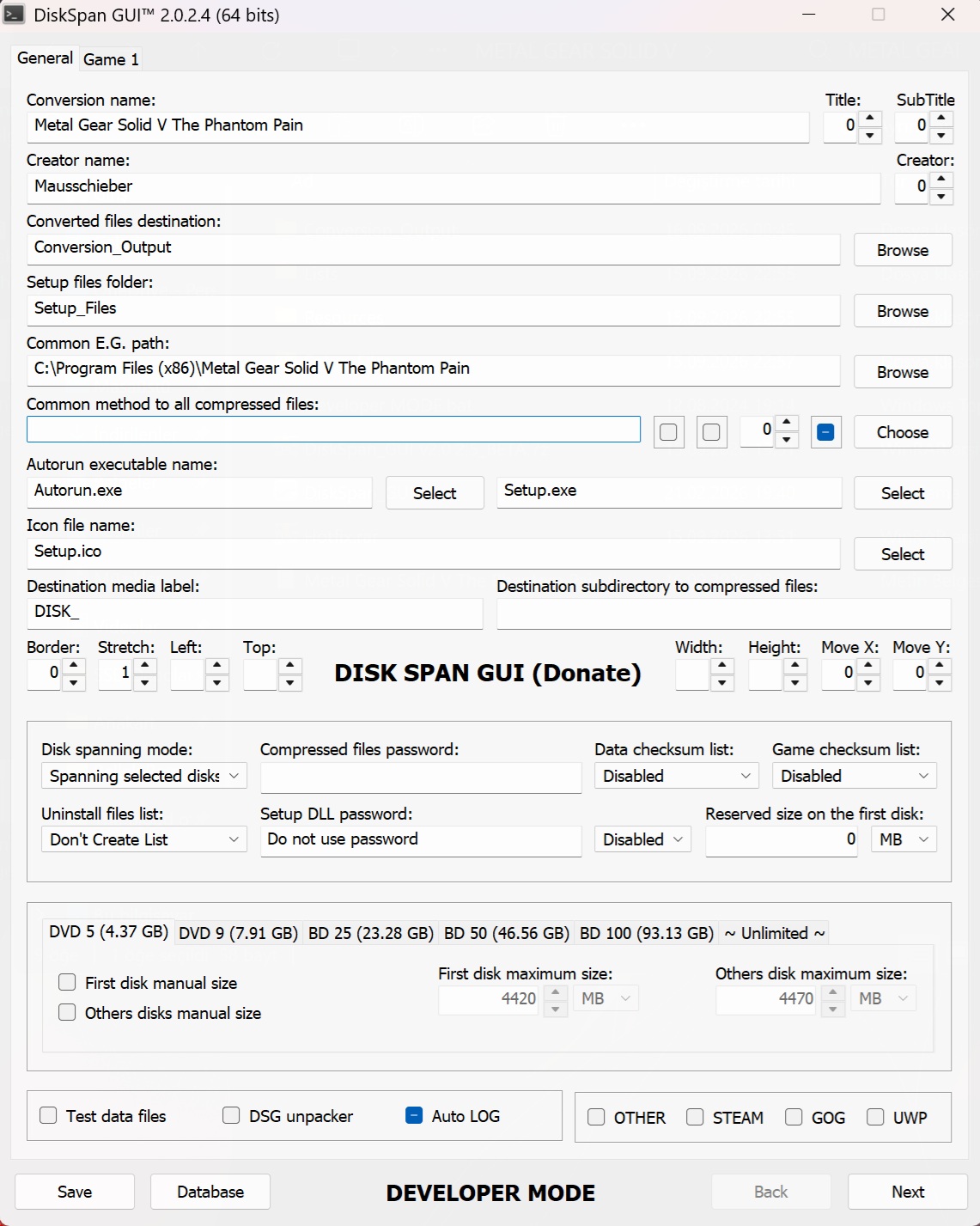 [ [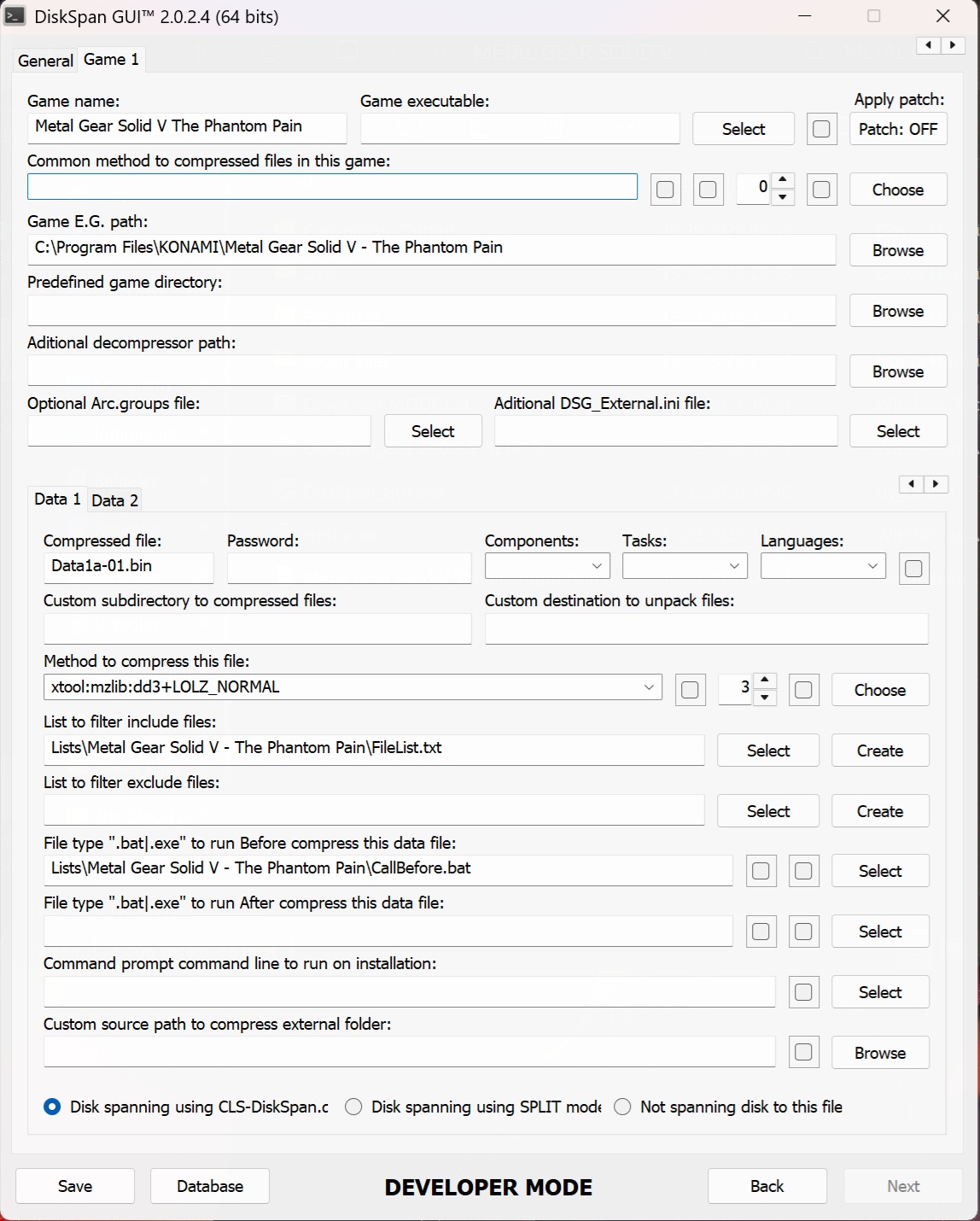 [ [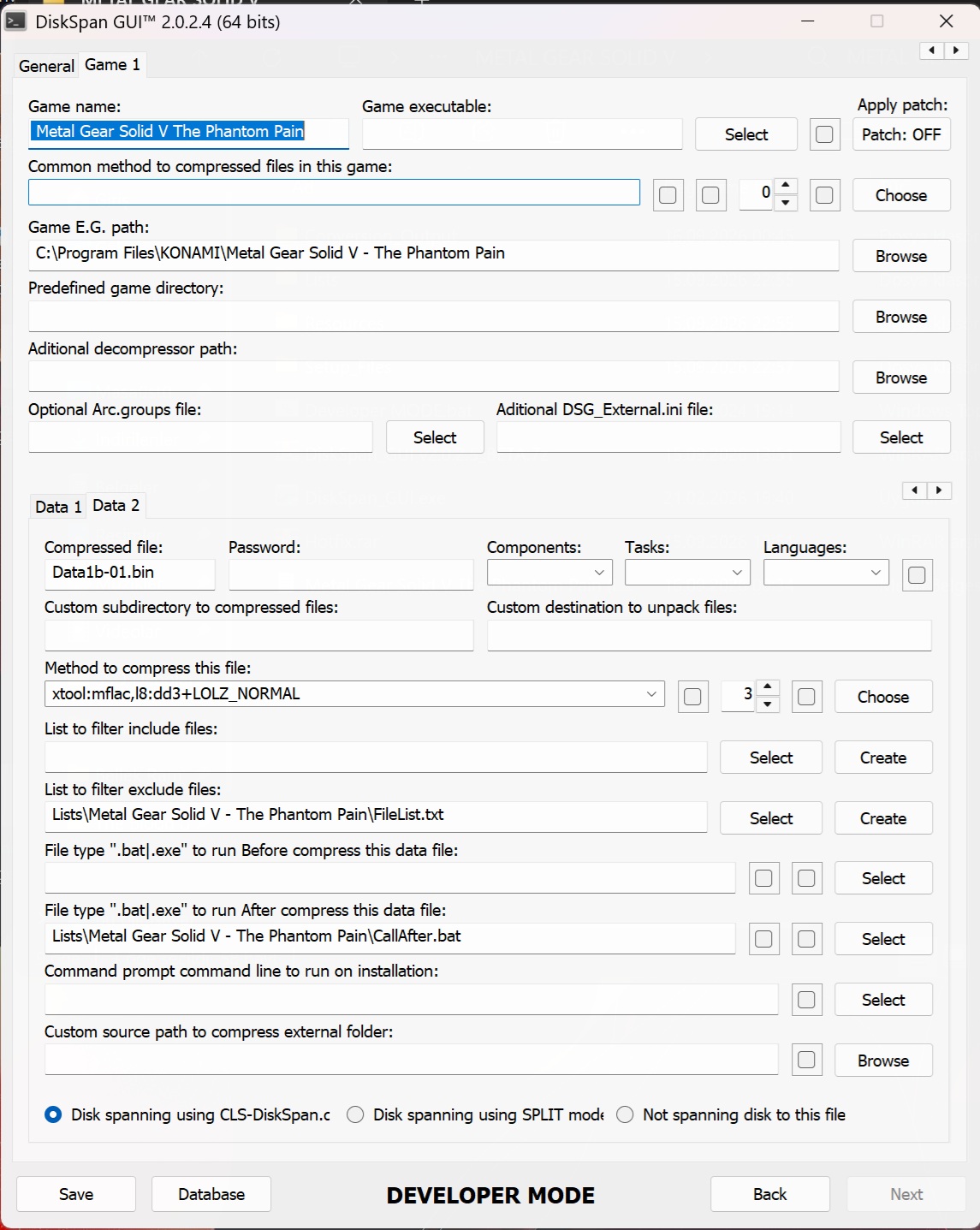 [ [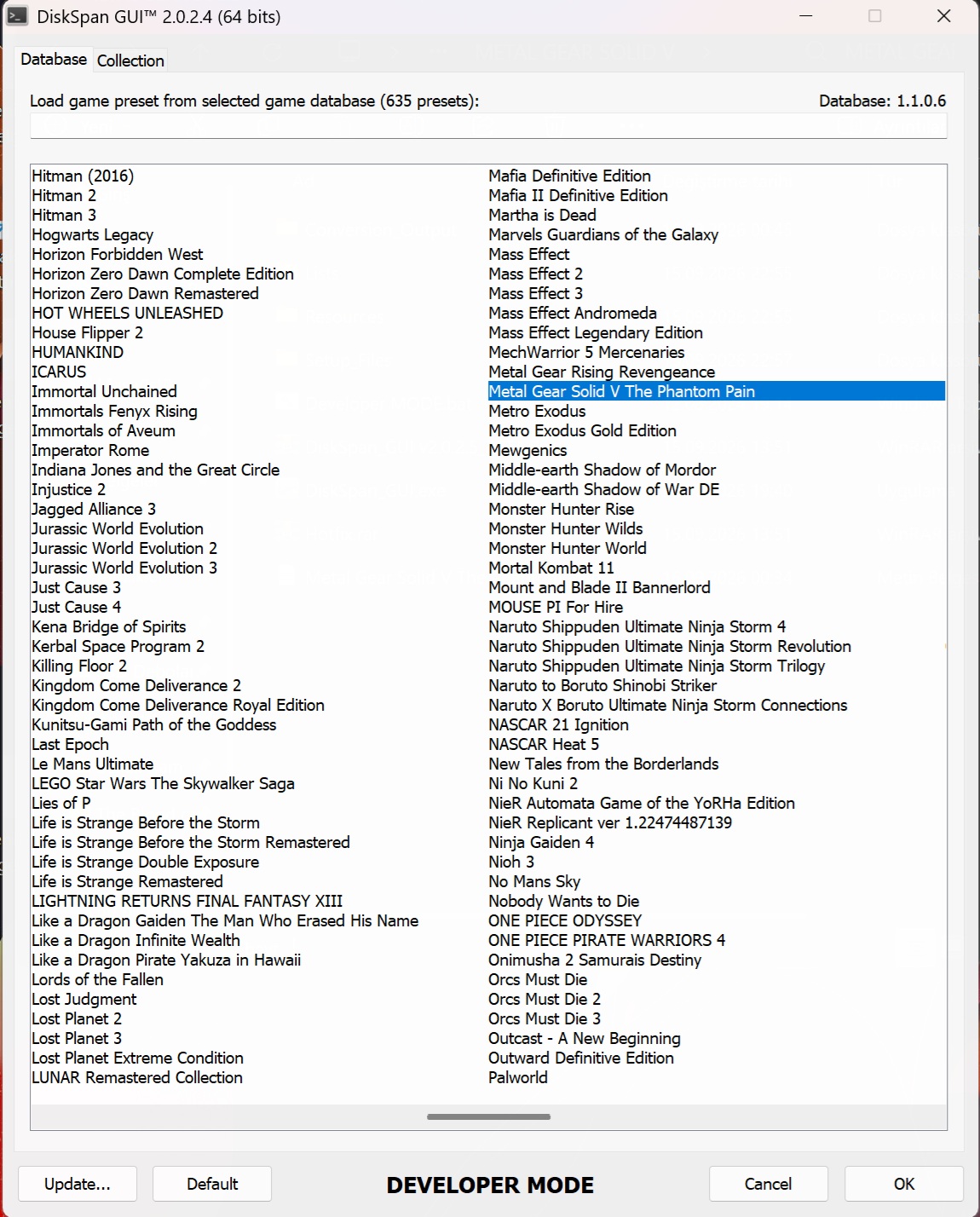 [ [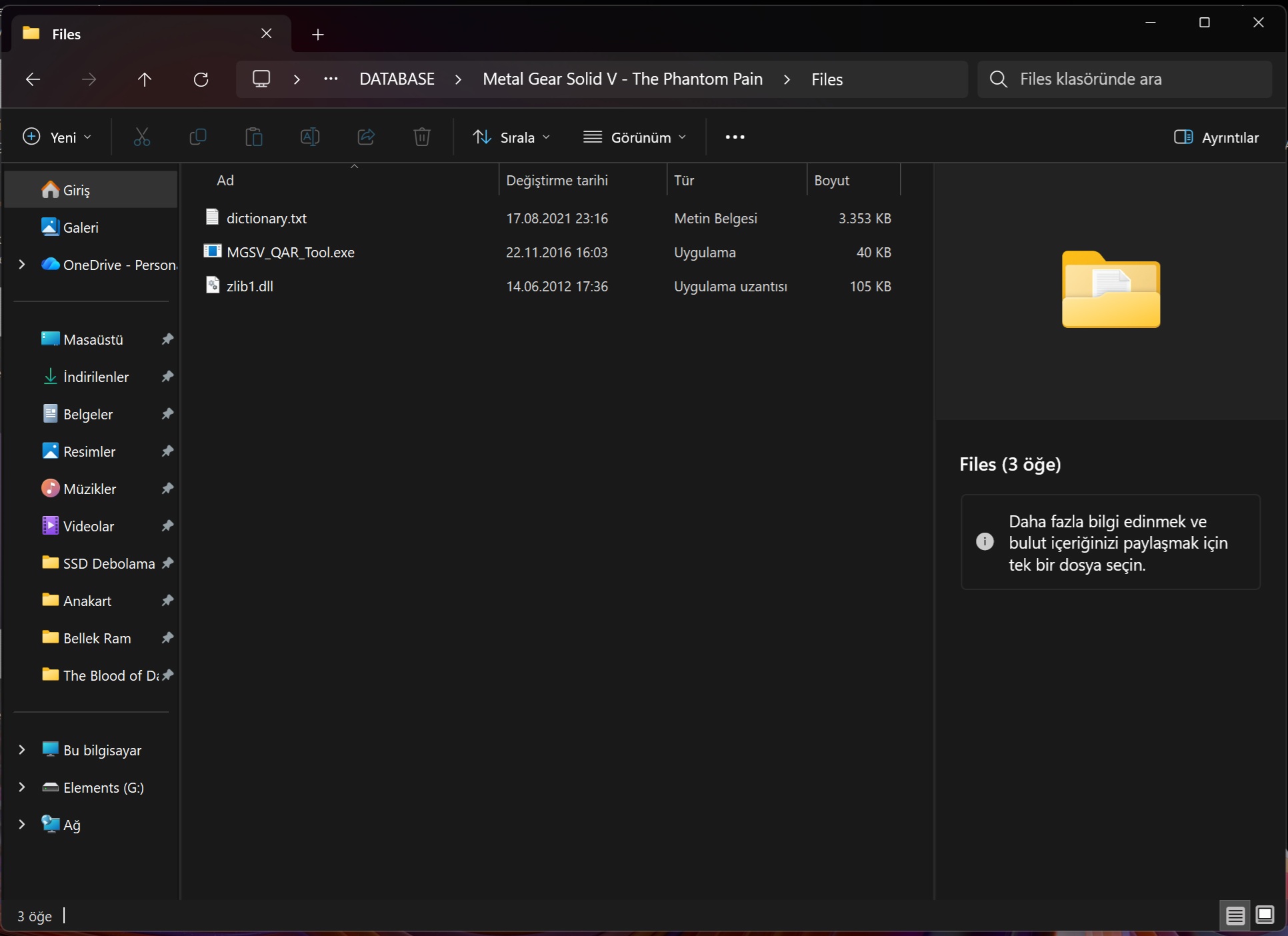 [ [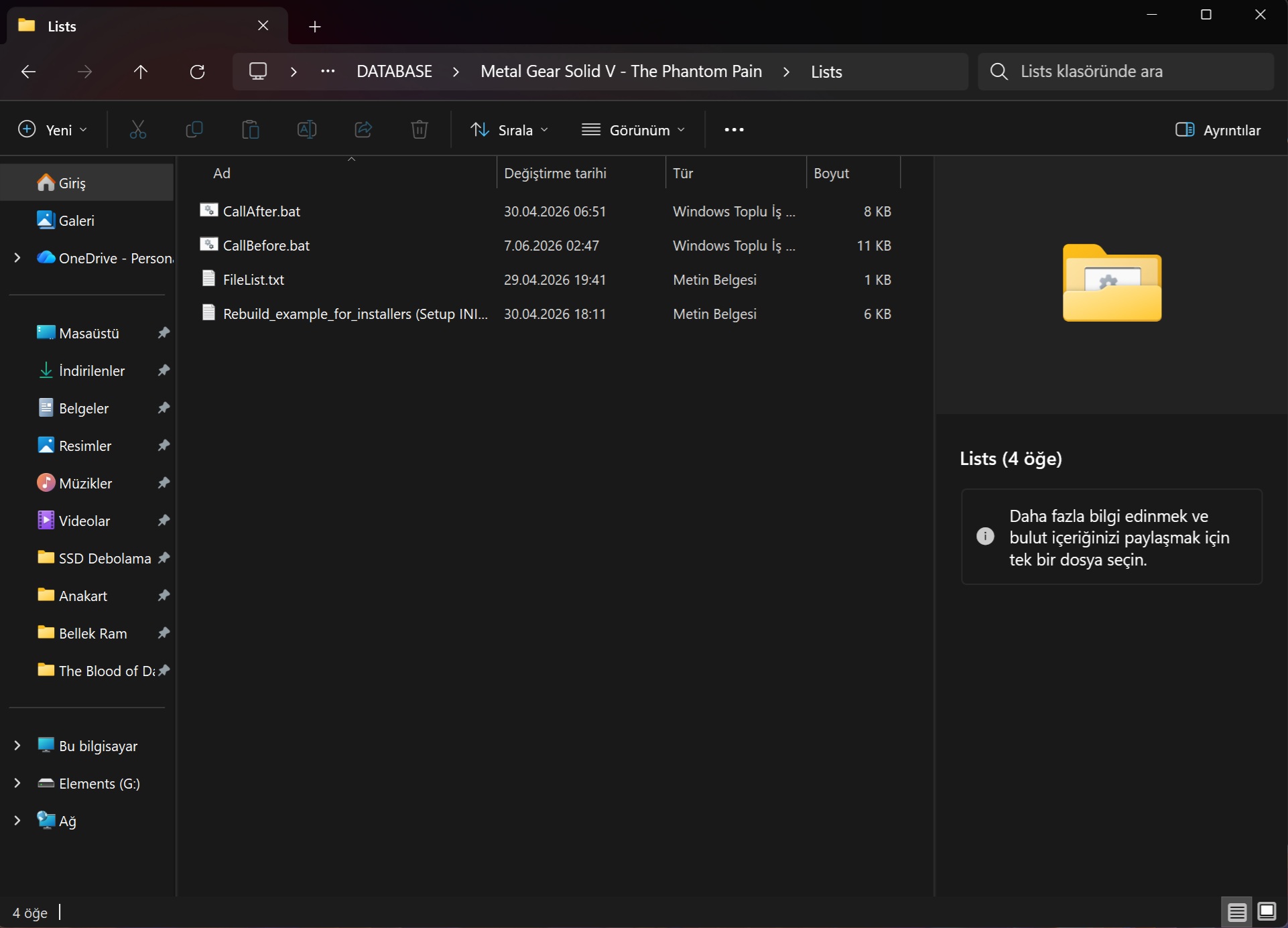 [ [After restoring the compressed files for *Metal Gear Solid V: The Phantom Pain*, the original files are not being restored. I have prepared a detailed video regarding the issue I encountered; the video is a bit long since I recorded the entire process, but I hope it helps explain the problem. I would like to show you the video I recorded. https://canva.link/29nahqrb8fi2p9q Last edited by bird2026; 15-09-2026 at 17:29.
|
|
#5
21-09-2026, 11:59
|
||||
|
||||
|
F1 25
Since xtool 0.9.9 is out, use the following config for erp files zstd l22 -cfgzstdmm4:sl8:wl20 library version 1.4.5 Code:
Streams: 1908295 / 1909097
  - zstd:l22 = 1908295 (22,92%)
Patched: 148 (3,29 MB)

Size: 83,8 GB >> 107 GB

Time: 00:41:07 (CPU 02:27:37)
__________________
Haters gonna hate
Last edited by KaktoR; 21-09-2026 at 12:02.
|
| The Following 2 Users Say Thank You to KaktoR For This Useful Post: | ||
Razor12911 (21-09-2026), ScOOt3r (21-09-2026) | ||
|
#6
25-09-2026, 23:57
|
|||
|
|||
|
Control Resonant
best method for compressing ? thx!
|
| The Following User Says Thank You to hwang4 For This Useful Post: | ||
DomoVoi_96 (26-09-2026) | ||
|
#8
26-09-2026, 06:18
|
||||
|
||||
|
^
This is not zlib. Most likeley same as Alan Wake 2 because it's the same game engine. Code:
Processing input: G:\Control Resonant

Streams: 156742
  - zlib = 6235 (0,02%)
  - png = 4 (0,00%)
  - kraken = 73 (0,01%)
  - wwise (vorbis) = 149988 (13,49%)
  - bink (v1i) = 1 (0,00%)
  - flac = 17 (0,00%)
  - leviathan = 74 (0,01%)
  - bink (v2j) = 241 (5,75%)
  - bink (v2n) = 64 (0,43%)
  - mermaid = 21 (0,00%)
  - zstd = 24 (0,00%)
__________________
Haters gonna hate
|
| The Following User Says Thank You to KaktoR For This Useful Post: | ||
hwang4 (27-09-2026) | ||
|
#9
27-09-2026, 01:21
|
|||
|
|||
|
Quote:
|
|
#10
27-09-2026, 07:03
|
||||
|
||||
|
Quote:
__________________
Haters gonna hate
|
|
#11
27-09-2026, 14:54
|
|||
|
|||
|
Quote:
|
|
#12
Yesterday, 00:36
|
|||
|
|||
|
Quote:
Sure, first you can extract the ogg using xtool like this: xtool.exe precomp -mwwise+ogg -x"output" "Input.file" You need to create the output folder before starting this! Input is your game file which contains the wwise vorbis audio, you can change it to the actual file name. Then use xtool erase on the extracted folder to the game file: xtool erase "Output\*" "Input.file" "Test.xtl" Output is the extracted folder of vorbis, and input shall be your particular game file and the xtl is the small patch which will be used in future! Then use oggre to compress the raw extracted files as usual. Now to bring the back file to it's original state: xtool decode "Test.xtl" "Output" "Input.file" xtool will use the xtl file created earlier and the extracted folder of vorbis to put the files back into your Particular Game file! PS: I don't have the game files myself so idk which of the files contains the wwise vorbis audio I don't use Diskspan GUI anymore but there was a thing named callbefore and after batch..You have to use those to use the commands I explained to you I would like to extend special thanks to Spinneret94 for the support provided; however, I was unable to succeed because I was trying to use DiskSpan_GUI. Hello Kaktor, I would like to ask you to prepare a "DiskSpan_GUI" configuration for the game *Control Resonant*—using the best available compression methods—similar to the pre-made database setups you have created for other games in the past; this is because the standard compression tools found in game centers are unable to compress this game effectively.
|
|
#13
26-09-2026, 06:20
|
||||
|
||||
|
Strangeland - Build 24350307
These two Files contains entirely vorbis audio:
Speech.vox Audio.vox Mesa to extract the ogg file and xtool erase command for xtl After Extraction: .ogg file: Code:
oggre Code:
zlib+srep+lolz Output:0.9 GB Unpacking Time: 5 Mins on 8 threads
|
|
#14
26-09-2026, 06:31
|
||||
|
||||
|
I will tell a secret. You can extract with xtool aswell.
Code:
xtool.exe precomp -mogg -x"G:\output" "G:\Strangeland\speech.vox"
__________________
Haters gonna hate
|
|
#15
26-09-2026, 06:43
|
||||
|
||||
|
^^
xtool.exe precomp -mogg -x"output" "audio.vox" Code:
Processing input: audio.vox Streams: 0 / 755 Patched: 0 (0.00 MB) Size: 187 MB >> 187 MB Time: 00:00:05 (CPU 00:00:01) Not sure what I’m doing wrong 
Last edited by Spinneret94; 26-09-2026 at 06:55.
|
 |
|
|
 Similar Threads
|
||||
| Thread | Thread Starter | Forum | Replies | Last Post |
| Games Are For Kids | JoyBoy | Chit Chat | 83 | 16-11-2021 14:28 |
| CorePack Compression methods ? Help | ramazan19833 | Conversion Tutorials | 34 | 09-08-2018 06:51 |
| i got the email in the mail about copying ps2 games | EVOEvo | PS2 Games | 7 | 21-11-2003 07:56 |
| Self-booting games on an older Japanese DC? | Named | DC Games | 1 | 26-09-2003 17:48 |
| Having Problems Burning Numerous *Recent* Games....Help is Appreciated | Protosstic | PSX Games | 2 | 15-01-2002 21:27 |




 Hybrid Mode
