|
#2
 02-11-2009, 10:50
|
|||
|
|||
|
I think that install manifest will hold the information you need, previous EA installers with that was a case of opening up in notepad and changing the disk numbers for files.
So all you have to do is, find out how much of the .rar files you can have in the order of the installer (noted in the manifest file) to fit one DVD5 and then Put the rest on the 2nd disk. Just rename the 2nd disc the current label with 2 at the end. Should work that way  Also you can leave out the spanish files if your just using the english installer, that will save a bit of space also. EDIT: Why the big blank part above the folder listing the left tab? Last edited by DABhand; 02-11-2009 at 10:52. 
|
|
#3
02-11-2009, 11:06
|
|||
|
|||
|
Why do you need to see his hard drives?
|
|
#4
02-11-2009, 13:29
|
|||
|
|||
|
Dragon Age Origins DVD9 to 2XDVD5
1. Make 2 folders-DragonAge -DragonAge2
2. Extract all files from DragonAge folder. 3. Make folders-data to DragonAge2. 4.Move 6 files from DragonAge/data to DragonAge2/data campaign_movies01 campaign_movies02 campaign_movies03 campaign_tt_english campaign_tt_spanish campaign_vo_english  5.From DragonAge\data-copy autorun.ico-to DragonAge2 folder 6.From DragonAge copy 'autorun.inf' to DragonAge2 folder and edit him to like this: [autorun] OPEN=0 ICON=autorun.ico 7. Burn or make iso's with label DragonAge and DragonAge2 8. Install Sequence DragonAge - DragonAge2. 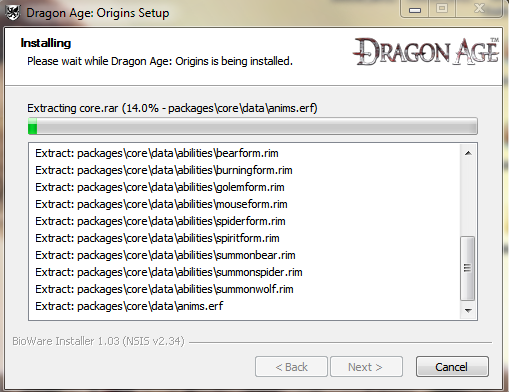 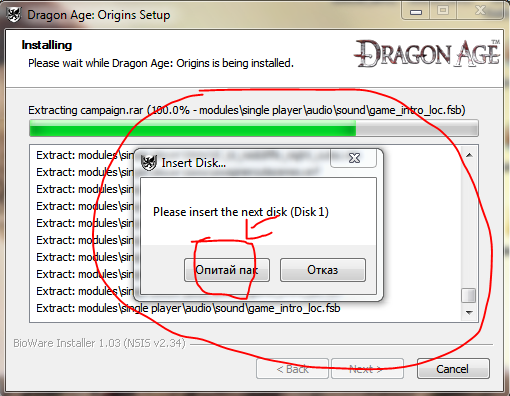 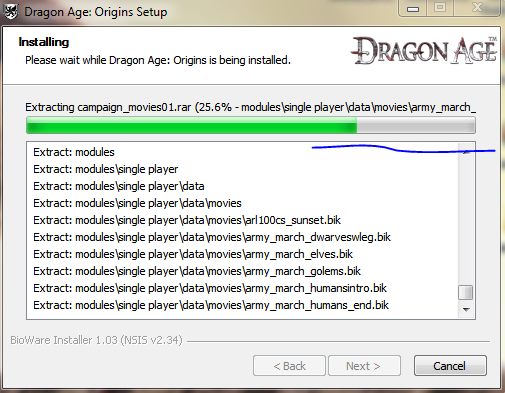 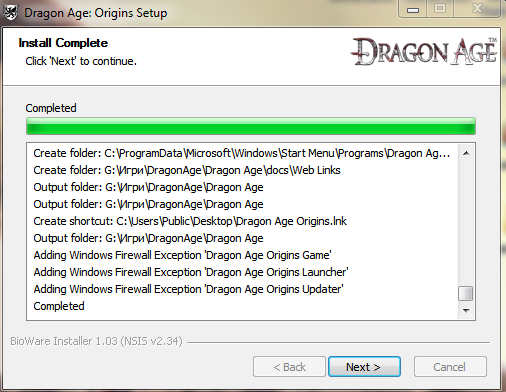 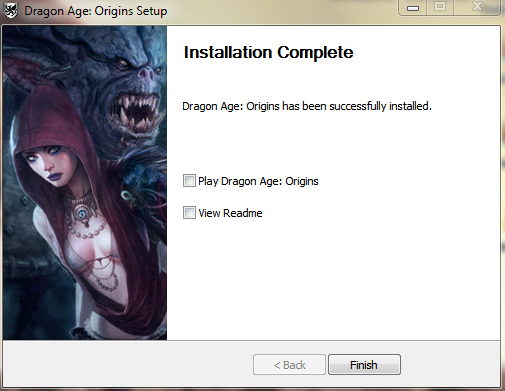 Tested Last edited by xmen222; 02-11-2009 at 18:45.
|
|
#5
02-11-2009, 20:13
|
|||
|
|||
|
Dragon Age Origins DVD9 to 2xDVD5 ( English only )
1.Copy content of your DVD9 to temp folder in HDD,name this folder DVD1 2.Creat DVD2 folder & data folder inside it,copy all files & folders in DVD1 ( except data folder ) to DVD2 3.Copy all files & autorun folder in DVD1/data to DVD2/data ( except all the .rar file ),next,move 5 file "campaign_movies01.rar","campaign_movies02.rar","c ampaign_movies03.rar","campaign_tt_english.rar", "campaign_vo_english.rar" from DVD1/data to DVD2/data 4.Extract the attachments below,copy to DVD1/data,DVD/data and replace the old file 5.Delete DirectX and software folder in DVD1,burn the content with any label 6.Edit the autorun.inf in DVD2 to [autorun] ICON=data\autorun.ico .Burn with any label too Srry 4 my bad english
Last edited by chaser8x; 02-11-2009 at 20:19.
|
|
#6
03-11-2009, 13:30
|
|||
|
|||
|
xmen222, your conversion works 100%, but how can i uninstall the game?
The name of the game don't appear on control panel. I tried to remove from launcher, but option UNINSTALL is "blanked".
|
|
#10
04-11-2009, 14:09
|
|||
|
|||
|
If someone doesn't know how to do it (not that likely) or is just lazy (more likely
) here's batch file to do this process.This works on EN/ES version, manifest files are from ch2rom and chaser8x. Simply create temp folder, extract this archive to it then create folder named Disc1 in this temp folder and copy contents of Dragon Age DVD9 to it. You should have something like this when you're ready  After that just doubleclick split.bat and wait until it's done. You should end up with temp folder with two iso images, everything else should be clean *edit* Made a typo with bat file, if you downloaded file name dosplit.rar that one is wrong (beside o in the name :P). dasplit.rar is fixed. Last edited by Solo761; 04-11-2009 at 14:19.
|
|
#11
04-11-2009, 16:58
|
|||
|
|||

Quote:
It works perfect, proved(tried) in XP-SP2 Thank you ch2rom and chaser8x.  I do not speak English, use translator. 
|
|
#13
06-11-2009, 09:16
|
|||
|
|||
|
Quote:
tested in win 7 32bit. install and uninstall works. thanks chaser8x! Last edited by Grumpy; 04-02-2011 at 01:50. Reason: Please do NOT Quote whole post.
|
|
#15
12-11-2009, 04:16
|
|||
|
|||
|
Dragon Age MULTI8 German Only 2xDVD9 -> 2xDVD5
1. Create 2 TEMP Folders with the Name "DVD1" and "DVD2" -> move the content of both DVDs to the folder DVD1 2. Delete those files in "DVD1" folder Code:
cluf.rtf eula_cz.rtf eula_en.rtf eula_es.rtf eula_fr.rtf eula_hu.rtf eula_it.rtf eula_pl.rtf lisezmoi.txt readme_cz.txt readme_en.txt readme_es.txt readme_fr.txt readme_hu.txt readme_it.txt readme_pl.txt data\audio_english.rar data\campaign_tt_czech.rar data\campaign_tt_english.rar data\campaign_tt_hungarian.rar data\campaign_tt_italian.rar data\campaign_tt_spanish.rar data\campaign_vo_english.rar data\czech.rar data\english.rar data\hungarian.rar data\installmanifest_cz.ini data\installmanifest_en.ini data\installmanifest_es.ini data\installmanifest_fr.ini data\installmanifest_hu.ini data\installmanifest_it.ini data\installmanifest_pl.ini data\italian.rar data\spanish.rar data\audio_french.rar data\audio_polish.rar data\campaign_tt_french.rar data\campaign_tt_polish.rar data\campaign_vo_french.rar data\campaign_vo_polish.rar data\french.rar data\polish.rar 4. Copy those files and folders to "DVD2" Code:
DVD1\autorun.exe -> DVD2\autorun.exe DVD1\autorun.inf -> DVD2\autorun.inf DVD1\data\autorun (folder) -> DVD2\data\autorun DVD1\data\autorun.ico -> DVD2\data\autorun.ico DVD1\data\autorun.xml -> DVD2\data\autorun.xml DVD1\data\DA_icon.ico -> DVD2\data\DA_icon.ico DVD1\data\DataSetup.exe -> DVD2\data\DataSetup.exe DVD1\data\Dragon Age Uninstaller.exe -> DVD2\data\Dragon Age Uninstaller.exe Code:
DVD1\DirectX (folder) -> DVD1\DirectX DVD1\software (folder) -> DVD1\software DVD1\support (folder) -> DVD1\support DVD1\data\campaign_movies01.rar -> DVD2\data\campaign_movies01.rar DVD1\data\campaign_movies03.rar -> DVD2\data\campaign_movies03.rar DVD1\data\campaign_tt_german.rar -> DVD2\data\campaign_tt_german.rar DVD1\data\core.rar -> DVD2\data\core.rar DVD1\data\env.rar -> DVD2\data\env.rar FINISHED!!! Works on Win 7 32bit Last edited by yener90; 12-11-2009 at 04:48.
|
 |
|
|
 Similar Threads
|
||||
| Thread | Thread Starter | Forum | Replies | Last Post |
| Crysis Warhead & Wars Multi10 (DVD9 to 2xDVD5) | ravd | PC Games - CD/DVD Conversions | 14 | 29-09-2025 16:11 |
| INDEX - CD2DVD Conversion Index **UPDATED: 17-07-2024** | Grumpy | PC Games - CD/DVD Conversions | 252 | 16-07-2024 20:35 |
| X-Men Origins Wolverine DVD9 to 2xDVD5 | dracusorr | PC Games - CD/DVD Conversions | 14 | 30-08-2009 05:47 |
| Transformers 2 Revenge Of The Fallen DVD9 to 2xDVD5 | dracusorr | PC Games - CD/DVD Conversions | 8 | 14-08-2009 13:13 |
| Damnation [EURO] MULTI5 DVD9 to 2xDVD5 | peterf1999 | PC Games - CD/DVD Conversions | 7 | 09-06-2009 06:19 |





 Linear Mode

