|
#8
 Today, 14:18 |
||||
|
||||
|
Quote:
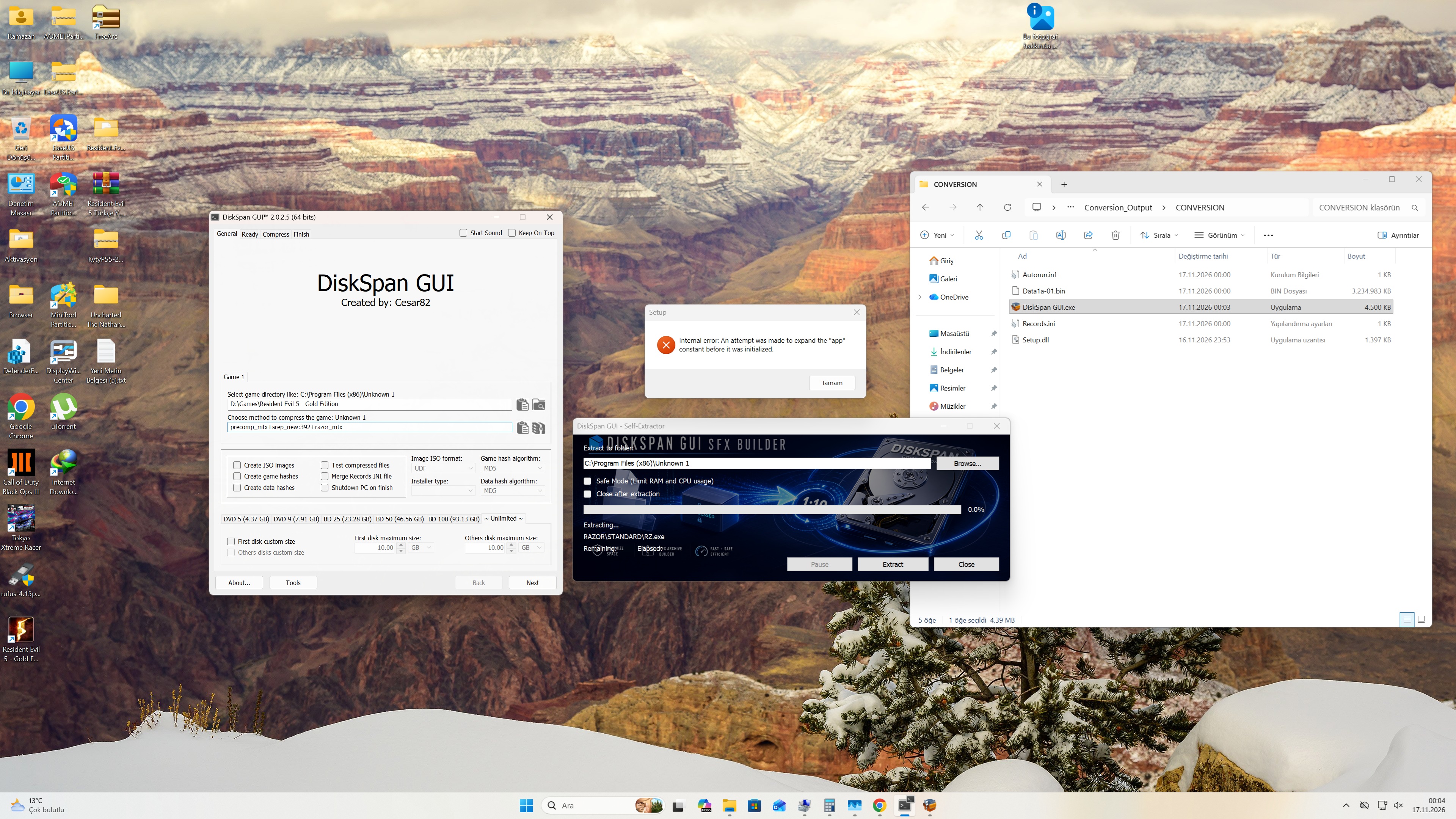
Method 1: Using the DiskSpan GUI 1. Launch the DiskSpan GUI in Developer MODE. 2. Configure the settings under the "General" tab. Click "Save," then select "No." 3. In `config.toml`, change `mode = "after"` to `mode = "before"`. 4. Based on the settings you entered in the DiskSpan GUI (in Developer MODE), run `Build SFX.bat`. 5. Run `DiskSpan_GUI.exe` and perform the compression. Method 2: 1. Run `DiskSpan_GUI.exe` and perform the compression. 2. Configure `config.toml` (ensure `mode` is set to `"after"`). 3. Run `Build SFX.bat`. PS: Oh, I forgot xD that the DSG hasn't been updated yet. For method 1, you need to use DSG 2.0.2.5 beta 3 HF Or wait for the "DSG 2.0.2.5 final" version| Quote:
Last edited by sajmon83; Today at 14:46. 
|
| Thread Tools | Search this Thread |
| Display Modes | |
|
|
 Similar Threads |
||||
| Thread | Thread Starter | Forum | Replies | Last Post |
| DiskSpan GUI | Cesar82 | Conversion Tutorials | 540 | Today 15:34 |
| How to use Diskspan GUI v2+ | mausschieber | Conversion Tutorials | 53 | 13-11-2026 11:04 |
| Windows Phone Installer (bug free) | bunti_o4u | Conversion Tutorials | 257 | 10-09-2026 11:43 |
| How to use diskspan bat | mausschieber | Conversion Tutorials | 13 | 14-01-2026 20:20 |
| How to use DiskSpan BAT | mausschieber | Conversion Tutorials | 5 | 09-07-2021 02:59 |




 Threaded Mode
