|
#1
 30-09-2018, 16:08
|
||||
|
||||
 New Gundam Breaker
--CIU By:Yener90 --Developers:BAMsE; Razor12911; Simorq; KaktoR; Cesar82 CIU 3.0.0.0 --UltraARC by: Razor12911 --UltraARC 2900 R6 Edition Modified by: Simorq --DiskSpan by Razor12911 Requested by fatalerror1 1. Install the game. Update game to latest version. 2. Download attachment, extract to HD, NOT in Gamefolder. 2A. MOVE _CommonRedist to Conversion Output folder. Code:
[Launch1]
Name=DirectX
32Exe={src}\_CommonRedist\DirectX\Jun2010\DXSETUP.exe
Argument=/silent
BeforeInstall=1
Checked=0

[Launch2]
Name=Visual C++ 2015
32Exe={src}\_CommonRedist\vcredist\2015\vc_redist.x86.exe
64Exe={src}\_CommonRedist\vcredist\2015\vc_redist.x64.exe
Argument=/q /norestart
BeforeInstall=1
Checked=0

[Launch3]
Name=Visual C++ 2017
32Exe={src}\_CommonRedist\vcredist\2017\vc_redist.x86.exe
64Exe={src}\_CommonRedist\vcredist\2017\vc_redist.x64.exe
Argument=/q /norestart
BeforeInstall=1
Checked=0
3. Run UltraARC, Browse/Select Your game folder, then choose output location, & compression method. 4. Test the conversion, before burning ISO. 5. Then burn folder contents to DVD. You can choose either UltraArc or Diskspan for your compression method, both are included. 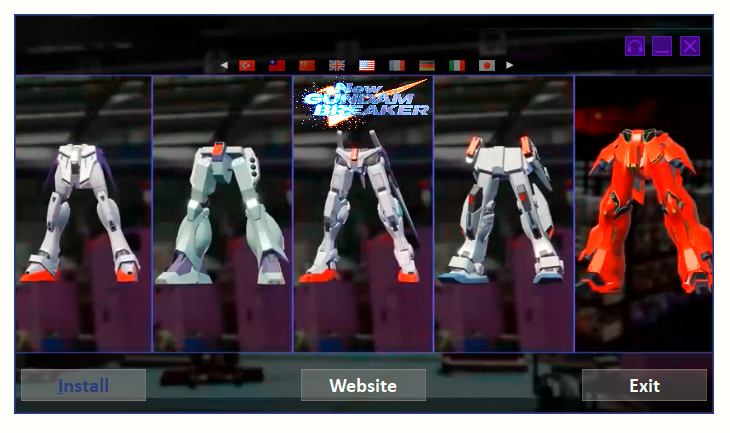 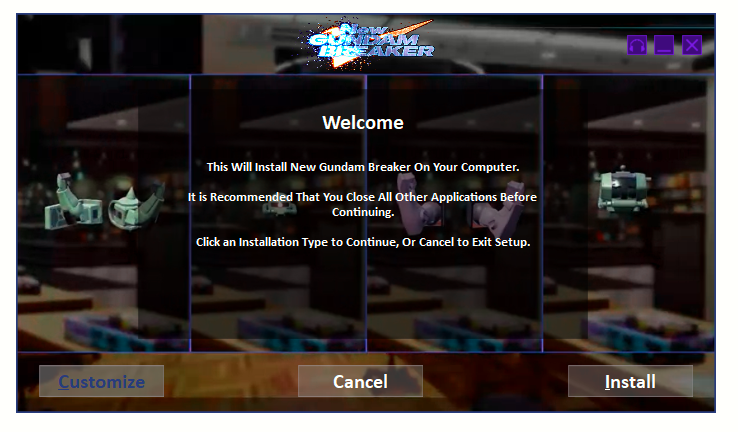
Last edited by pakrat2k2; 09-07-2019 at 07:04. 
|
| The Following 9 Users Say Thank You to pakrat2k2 For This Useful Post: | ||
Danziel123 (05-07-2019), fatalerror1 (01-10-2018), houcine80 (01-10-2018), mausschieber (01-10-2018), prudislav (27-05-2019), Ronburi (26-07-2019), swara_1st (30-06-2019), The_Boss (25-08-2019), wit (02-07-2019) | ||
| Sponsored Links |
|
|
 Similar Threads
|
||||
| Thread | Thread Starter | Forum | Replies | Last Post |
| Breaker Pro | esper123 | PSX Games | 2 | 03-09-2010 06:31 |
| ISO PSX and Breaker Pro | klode | PSX Games | 3 | 07-01-2009 06:39 |
| metal gear solid with breaker pro? | dasushi | PSX Games | 0 | 06-12-2007 01:27 |
| Suikoden Y-Pos Breaker Pro Issue | atcq | PSX Games | 10 | 14-03-2006 03:21 |
| How to copy Code Breaker | snake2 | PS2 Games | 1 | 04-12-2004 21:08 |


 Threaded Mode