|
#1
 01-03-2015, 19:38
|
|||
|
|||
|
DragonBall Xenoverse - NxDVD5 CIU1014+UltraArc
DragonBall Xenoverse - 2xDVD5 CIU1014 By Yener90 modded by Razor12911 for UltraArc Support
- Make Isos.bat made from part of another script wich I think was made originally made by Peterf1999 and BAMsE. (If I'm wrong or missing anyone please let me know) - Images & music thnxs to google! 1)- Install the Game And All the updates you want 2)- Download the Conversion and extract (not in game folder) 3)- Run UltraARC.exe select game folder and press Compress 4)- Once finished, you can run Make Isos.bat from Converted folder. To make the isos automatically 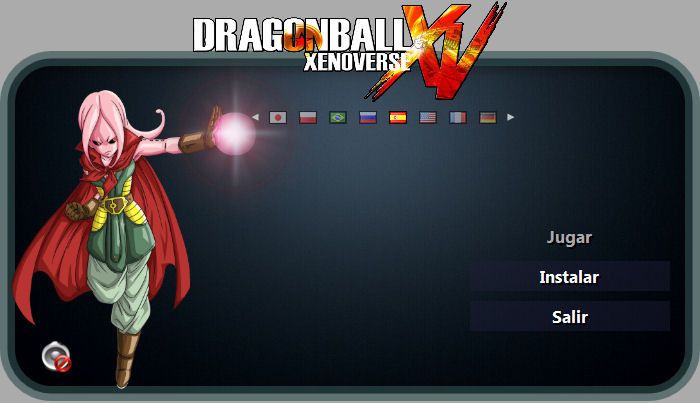 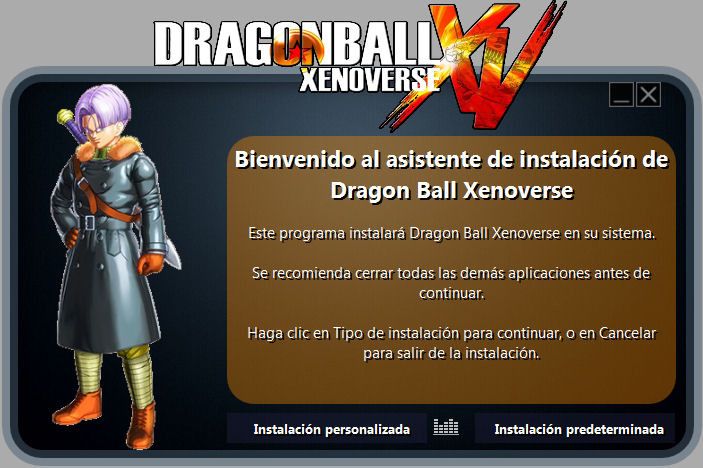 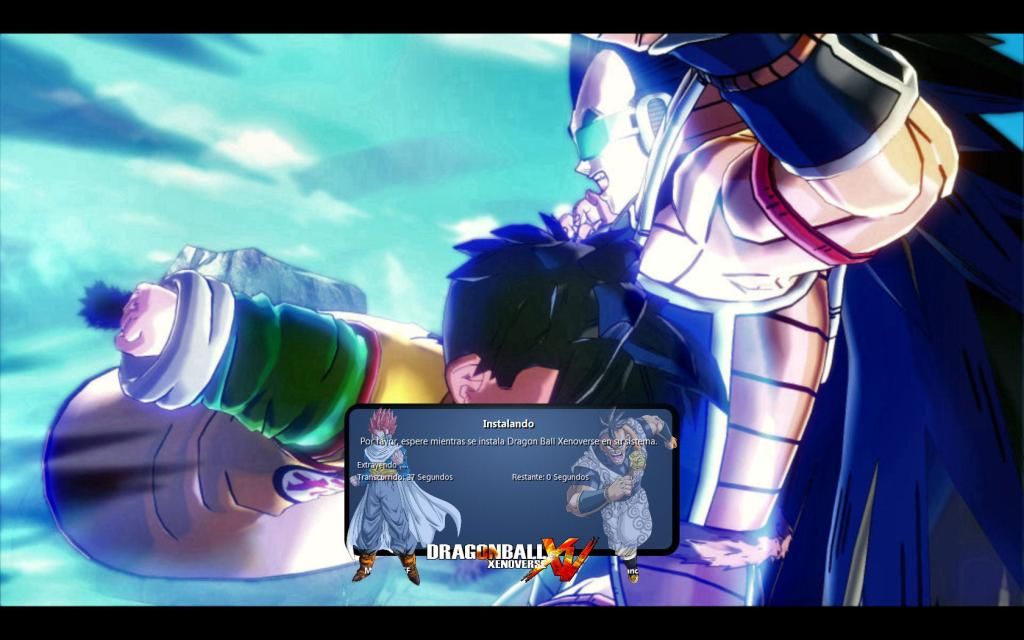 Pretty Basic Installer, just to have an option till someone else releases something better Last edited by Droppo; 02-03-2015 at 00:06. 
|
| The Following 16 Users Say Thank You to Droppo For This Useful Post: | ||
11rd (02-03-2015), alvarolgarciam (03-03-2015), fedeo (05-03-2015), houcine80 (02-03-2015), JMAGS_FF (08-11-2015), JPM (02-03-2015), lMoyo (28-07-2015), mertderler (14-03-2015), omdj (01-03-2015), pakrat2k2 (02-03-2015), Razor12911 (13-03-2015), Simorq (02-03-2015), steve_gerry (02-03-2015), sutikno (03-03-2015), wit (02-03-2015), zirkhaki (05-05-2016) | ||
| Sponsored Links |
|
|


 Threaded Mode