|
#1
 15-03-2017, 07:48
|
||||
|
||||
|
Help with srep+lzma speed
Friends you can help with the speed of unpacking
Example image 3.jpg At the end of the installation a difference of 15 minutes My method pack and temp folder of downloaded game My Files.rar Thank you 
|
| Sponsored Links |
|
#2
15-03-2017, 08:03
|
|||
|
|||
|
try using SREP+ZSTD.
SREP makes the game almost half of its size. decompression will be lightning fast. Approx. 100 MB/s. Or try 4x4:lzma. -m4x4:b100mb:lzma:a1:mfbt4:d200m:fb273:mc10000:lc8 Last edited by shazzla; 15-03-2017 at 08:08.
|
| The Following 3 Users Say Thank You to shazzla For This Useful Post: | ||
|
#3
15-03-2017, 08:11
|
||||
|
||||
|
Quote:
srep+zstd [External compressor:zstd] header = 0 packcmd = zstd -f -8 $$arcdatafile$$.tmp $$arcpackedfile$$.tmp unpackcmd = zstd -d -f <stdin> <stdout>
|
|
#6
15-03-2017, 08:57
|
|||
|
|||
|
[External compressor:zstd]
packcmd = zstd --ultra -22 $$arcdatafile$$.tmp -o $$arcpackedfile$$.tmp unpackcmd = zstd -d -f <stdin> <stdout>
|
| The Following User Says Thank You to shazzla For This Useful Post: | ||
Simorq (16-03-2017) | ||
|
#8
15-03-2017, 10:40
|
|||
|
|||
 Hello there
Hello there
srep64.V RAM : 32 GB CPU : Intel® Core™ i7-5820K 6Core 3.30 GHz SSD: 250 GB Is this the best? Adjustment GTA 5 GAME BEST SETTING WHAT? HELP...... [External compressor:srep64] header = 0 packcmd = srep64 {options} -m5f -d1g -a2 $$arcdatafile$$.tmp $$arcpackedfile$$.tmp unpackcmd = srep64 -d -s - - <stdin> <stdout
|
|
#9
15-03-2017, 14:18
|
||||
|
||||
|
Quote:
 ZLib] ZLib]header = 0 packcmd = pZLib e -m2 -x -c256m -t100p - -o - <stdin> <stdout> unpackcmd = pZLib d -t100p - -o - <stdin> <stdout> [External compressor ZLib+]header = 0 packcmd = pZLib e -m2 -t100p $$arcdatafile$$.tmp -o $$arcpackedfile$$.tmp unpackcmd = pZLib d -t60p - -o - <stdin> <stdout> datafile = $$arcdatafile$$.tmp packedfile = $$arcpackedfile$$.tmp [External compressor:srep] header = 0 packcmd = srep64 {options} -m3f -d1g -a2 $$arcdatafile$$.tmp $$arcpackedfile$$.tmp unpackcmd = srep64 {options} -d -s - - <stdin> <stdout> [External compressor:Lzma2, lzma2, 7z] header = 0 packcmd = 7z a -txz -an -mcrc=0 -m1=lzma2:d25:fb=273:mf=bt4:mc=1000000:lc=4:lp=0 -mmt=4 -mx9 -si -so <stdin> <stdout> unpackcmd = 7z x -txz -an -y -si -so <stdin> <stdout> pZLib+srep+Lzma2 38GB GTA V Last edited by Simorq; 15-03-2017 at 14:23.
|
| The Following 2 Users Say Thank You to Simorq For This Useful Post: | ||
ramazan19833 (15-03-2017), shazzla (15-03-2017) | ||
|
#10
15-03-2017, 14:29
|
|||
|
|||
|
Help....
Better result Is there an option I can take?
pZLib+srep+Lzma2 38GB GTA V
|
|
#11
15-03-2017, 14:44
|
||||
|
||||
|
Simorq, shazzla
Failed to compact Trying again like this a\arc a -ep1 -r -w.\temp -msrep+zstd [email protected] -dp"%choice1%" .\Final\%dat% [External compressor:srep] ;options = l%d (minimal match length, default=512) header = 0 packcmd = srep{options} -m3f -a1 -l1024 $$arcdatafile$$.tmp $$arcpackedfile$$.tmp unpackcmd = srep -d -s -- <stdin> <stdout> [External compressor:zstd] packcmd = zstd --ultra -22 $$arcdatafile$$.tmp -o $$arcpackedfile$$.tmp unpackcmd = zstd -d -f <stdin> <stdout> a\arc a -ep1 -lc -r -w.\temp -msrep+lzma2 [email protected] -dp"%choice1%" .\Final\%dat% [External compressor:srep] ;options = l%d (minimal match length, default=512) header = 0 packcmd = srep{options} -m3f -a1 -l1024 $$arcdatafile$$.tmp $$arcpackedfile$$.tmp unpackcmd = srep -d -s -- <stdin> <stdout> [External compressor:lzma2] header = 0 packcmd = 7z a -txz -an -mcrc=0 -m1=lzma2:d900m:fb=273:mf=bt4:mc=1000000:lc=4:lp=0 -mmt=2 -mx9 -si -so <stdin> <stdout> unpackcmd = 7z x -txz -an -y -si -so <stdin> <stdout> Game 52GB
|
|
#12
15-03-2017, 14:58
|
|||
|
|||
 Hello there
I'm getting an error
 Failed to compact [External compressor:lzma2] header = 0 packcmd = 7z a -txz -an -mcrc=0 -m1=lzma2:d900m:fb=273:mf=bt4:mc=1000000:lc=4:lp=0 -mmt=2 -mx9 -si -so <stdin> <stdout> unpackcmd = 7z x -txz -an -y -si -so <stdin> <stdout>
|
|
#13
16-03-2017, 05:38
|
||||
|
||||
|
Thank you shazzla used 4x4
-msrep+4x4:lzma:a1:mfbt4:d158m:fb273:mc1000000000:l c8 4.PNG 1.jpg Simorq I'm trying to lzma2 but it's giving error Arc.exe stopped working If you add your compress files Bat, arc.ini, srep 7z To try again serep+lzma2
|
| The Following User Says Thank You to buttignol For This Useful Post: | ||
Simorq (16-03-2017) | ||
|
#14
16-03-2017, 07:18
|
||||
|
||||
|
Lzma2 LastVersion http://www.7-zip.org/a/7z1604-extra.7z (7z.exe and 7za.dll Rename 7z.dll)
False Code:
packcmd = 7z a -txz -an -mcrc=0 -m1=lzma2:d900m:fb=273:mf=bt4:mc=1000000:lc=4:lp=0 -mmt=2 -mx9 -si -so <stdin> <stdout> Code:
packcmd = 7z a -txz -an -mcrc=0 -m1=lzma2:d25:fb=273:mf=bt4:mc=1000000:lc=4:lp=0 -mmt=4 -mx9 -si -so <stdin> <stdout> 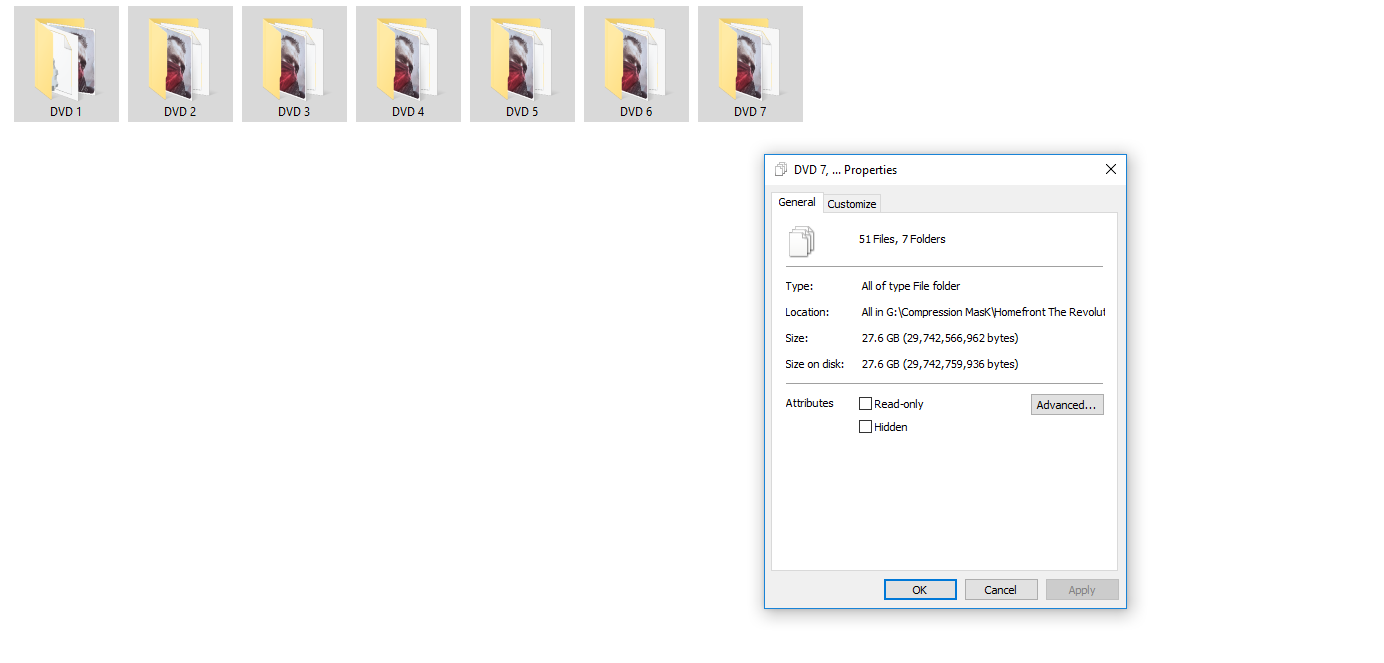 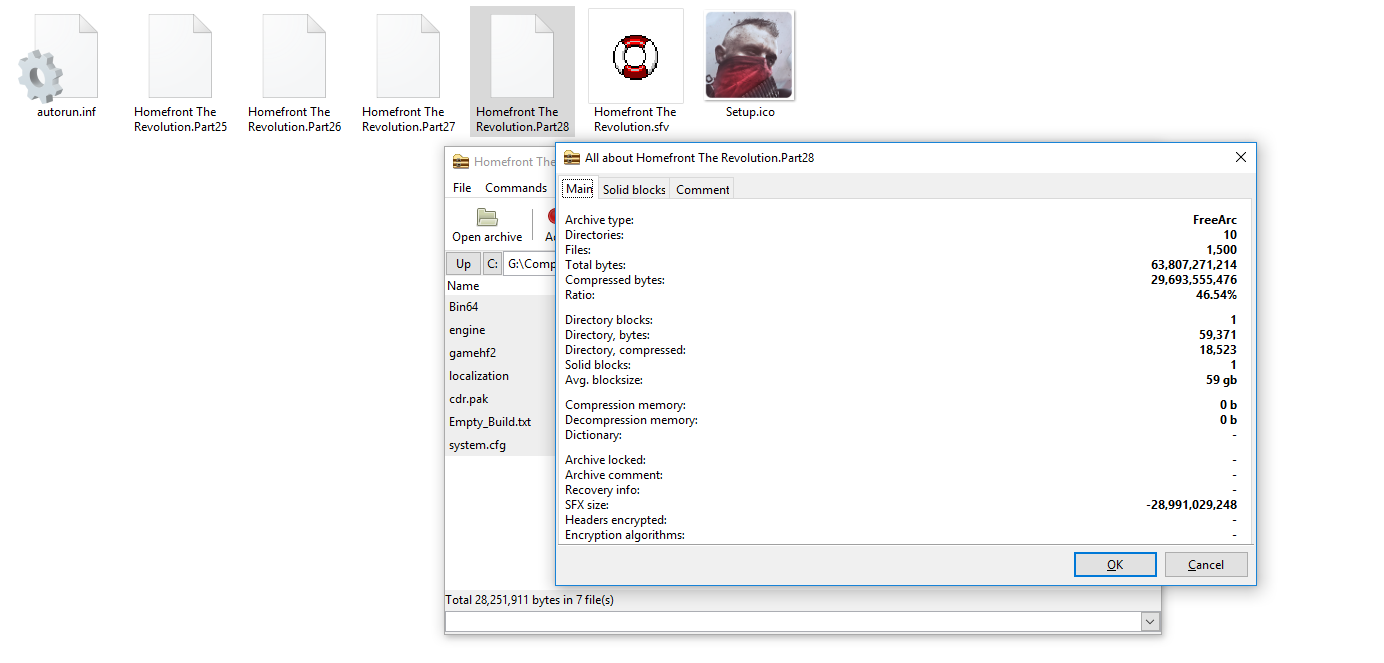 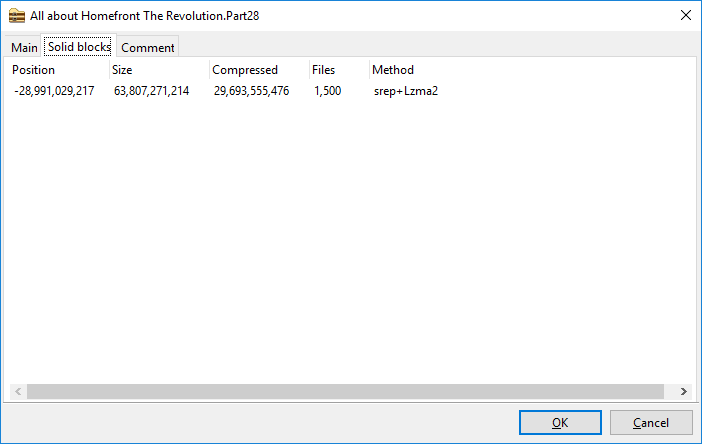
|
 |
|
|
 Similar Threads
|
||||
| Thread | Thread Starter | Forum | Replies | Last Post |
| INDEX - CD2DVD Conversion Index **UPDATED: 17-07-2024** | Grumpy | PC Games - CD/DVD Conversions | 252 | 16-07-2024 20:35 |
| Simple Tutorial of Compressing GTAV | Razor12911 | Conversion Tutorials | 26 | 29-01-2019 01:31 |
| F.E.A.R. Collection [CIUv2 - 7xDVD5 - SREP LZMA m0] | KaktoR | PC Games - CD/DVD Conversions | 2 | 02-04-2014 19:11 |
| Need for Speed: Most Wanted - 1xDVD5 [1 LANG + INNO SETUP + LZMA ULTRA] | REV0 | PC Games - CD/DVD Conversions | 27 | 03-11-2012 12:14 |


 Linear Mode

