^^
In HXD, CTRL+F to search for "37 A4 30 EC" as shown in the image below:
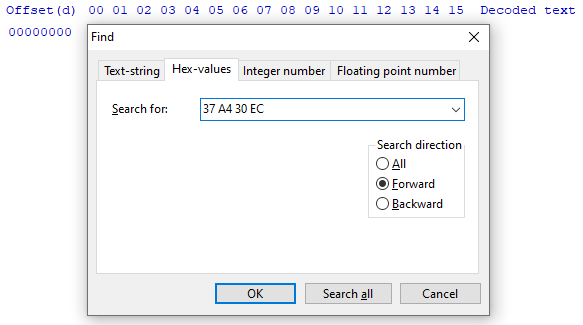
Why are they reversed? Endianness.
When you find your result, place your cursor on the "37" byte, change "hex" to "dec" at the top of the screen and press CTRL+E to select a block of data.
Select the radio button for length and paste the length of the dictionary in bytes that you found from the p3a_tool info.
You will now get a selected section of bytes. CTRL+C to copy and then CTRL+N to open a new file. CTRL+V to paste these bytes (they will appear in red) and CTRL+S to save the file. The bytes will go black when saved.