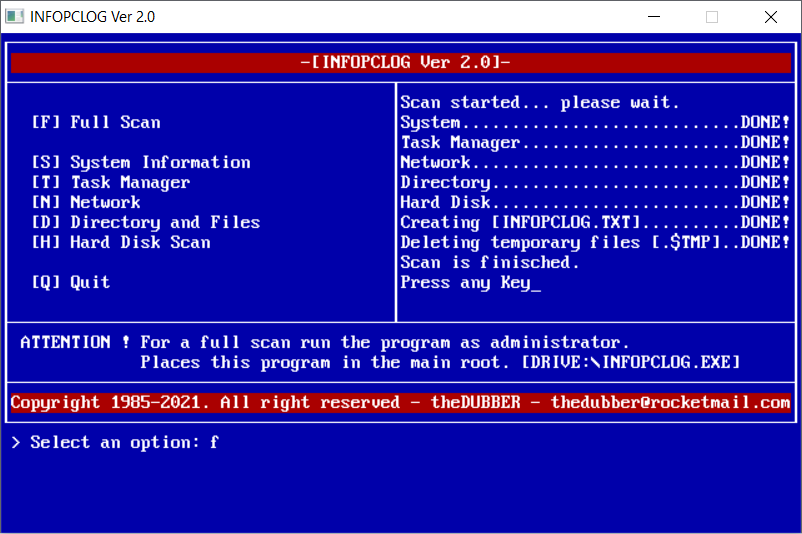
INFOPCLOG tool of just a few Kb in size can be very useful for obtaining information on the system, memory, active processes, network, directories and finally the health of the hard disk.
The program uses integer commands to scan your computer by enclosing the result inside a text file located in the root where it is installed
the operating system. The commands that the program uses are the following:
systeminfo - vol - compact - driverquery /v - gpresult /z - tasklist /v /m - netstat -a -b -e -o -r -s - ipconfig /all - -tree /f - chkdsk
The duration of the scan may vary depending on system performance and the number of connections and open processes. The program will scan the system, from memory, the active processes,
the network, the directories and finally the hard disk where the program is located. The scan result will be written to the INFOPCLOG.TXT file.
Previev on Youtube
https://youtu.be/herVcgsYVzo
Link direct download
https://bit.ly/infopclog