Quote:
Originally Posted by nsaer

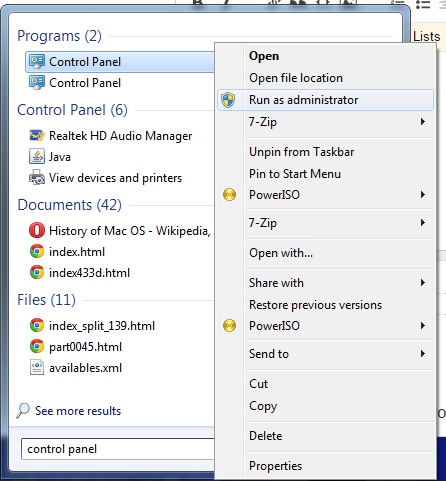
The game must be run as an administrator
 |
Tried that - it still produces different results as I have mentioned earlier.
Quote:
Originally Posted by KaktoR
Problem is probably, that shortcut will be created before the executable is unpacked. That's why the shortcut icon is blank. It's just a guess. I will check it for you
Edit:
I've just tested with a single random executable and it works fine here. Desktop/Start Menu shortcuts have icons and are running fine.
Edit2:
Nope, all is working fine. I've tested the game and didn't changed anything except for the game path. The problem is on your end.
|
You might actually be right (or so I thought). I tried to recompile the installer on my gaming system, but I get the same outcome, whereby the installer produces a shortcut that basically launches Steam, as opposed to the manually created shortcut that actually spits out the SteamAPI error, even though the two shortcuts point to the exact, same file in the exact, same location. It is weird, but I will live with that.
As I have stated though, I have compiled the installer on Microsoft Windows 10, using administrator privileges for obvious reasons.
Thanks for your help though.