-CIUv2 By Yener90 and BAMsE and Kaktor and Razor12911 for compatibility UA and Simorq.
-UltraARC By Razor12911
-UltraARC v2.8.0.1 R4 Edition Modified by: Simorq
1)- Install the Game and updates.
2)- Download Attachment and extract on your HDD.
3)- Move
_CommonRedist folder from game's installed directory to (
Last DVD )
4)- Run UltraARC.exe then Choose Game Folder And Start.
5)- Make iso files with the same name of folders.
6)- Test the iso files before you burn.
Code:
[Launch2]
Name=Visual C++ 2015
32Exe={src}\_CommonRedist\vcredist\2015\vc_redist.x86.exe
64Exe={src}\_CommonRedist\vcredist\2015\vc_redist.x64.exe
Argument=/q /norestart
BeforeInstall=0
Checked=1
----------------------------------------------------------

[Launch1]
Name=Visual C++ 2010
32Exe={src}\_CommonRedist\vcredist\2010\vcredist_x86.exe
64Exe={src}\_CommonRedist\vcredist\2010\vcredist_x64.exe
Argument=/q /norestart
BeforeInstall=0
Checked=1
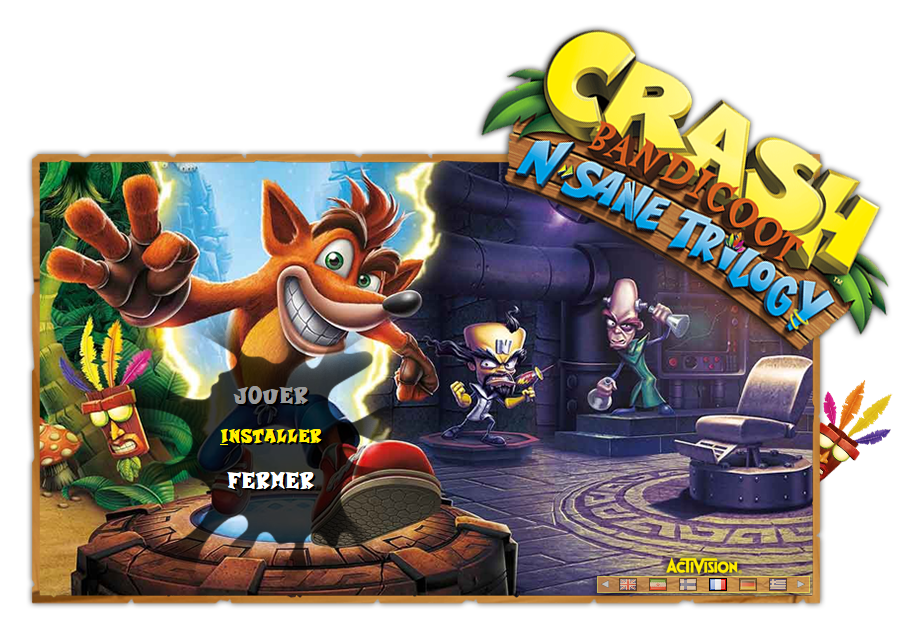
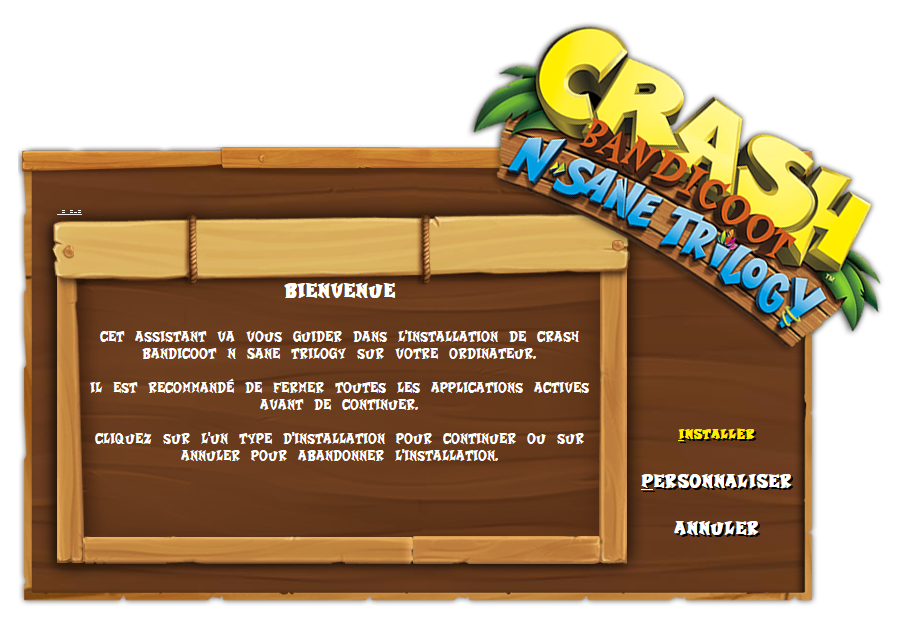
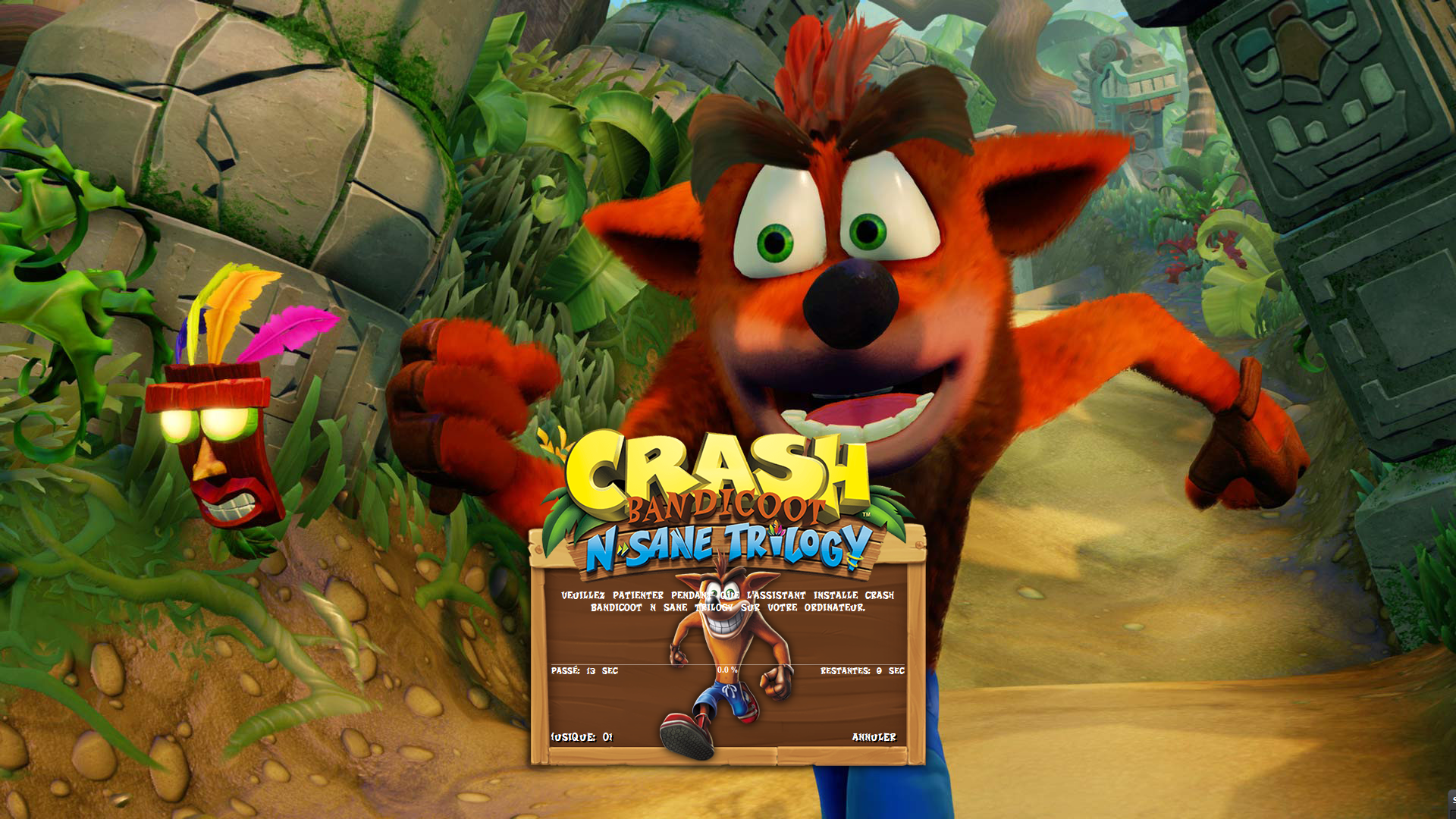 Added File directly to post (pakrat2k2)