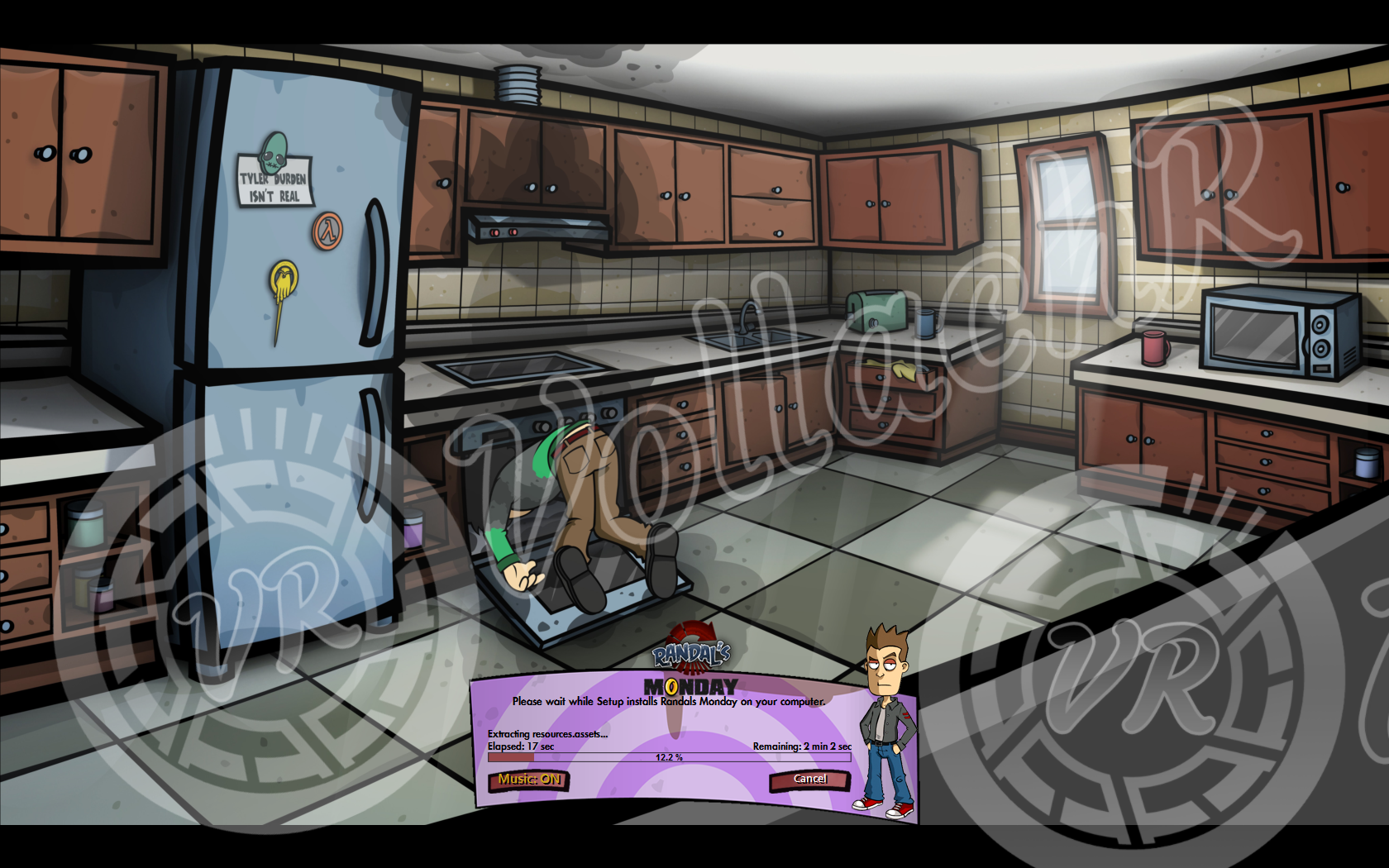
Randal's Monday - 1xDVD5
by VollachR
 Images:
 Google Search
Icon: Game Icon
Cursor: Extracted from Game files
Music: Game's OST (Track 44, Randal's Monday)
Button Sounds: Extracted for Game files
Setup Graphics: Created by myself with Photoshop CS5 (Based mostly on materials extracted from the game)
Conversion Type: Upgraded from CIU v2.0.3.5 to CIU 2.0.5.1g
Compression type: Freearc: Normal Compression Level (m4)
Compression Time: Approx. 5 Minutes
Conversion Complete Time: Approx. 6 Minutes
Install Time: Approx. 2 Minutes
Tested On: Windows 10 64bit
Redist: Yes
Final Size: Approx. 3.43GB (W/O Additional Files)
Version: 1.1
First Created: February 2015
Supported Install Languages:
Code:
Multi5: English, German, French, Spanish, Russian
Instructions:
1. Install
Randal's Monday, Update if you want.
2. Download & Extract
Randal.rar anywhere you want,
NOT the game's install folders.
Note: Add any additional files you want to include in the last disc to the sub-folder
[Common\Files\Misc] (Soundtrack/artwork/NoCD Patch/etc.)
3. Run
Converter.exe and select the folder where the game is installed
4. Follow the on screen instruction and select the location to create the conversion, what to do when conversion ends and if the ISO files should be automatically created and if so where to create them.
5. Wait for conversion to finish.
6. Test your conversion before burning.
Enjoy
Redist Information:
Code:
[Launch1]
Name=Visual C++ 2010
32Exe={app}\_CommonRedist\vcredist\2010\vcredist_x86.exe
64Exe={app}\_CommonRedist\vcredist\2010\vcredist_x64.exe
Argument=/q /norestart
BeforeInstall=0
Version History:
Version 1.1: - Updated from CIU 2.0.3.5 to CIU 2.0.5.1g
- Now Using UCC v4.1.3.2 Compressor
- Fixed small installer buttons text positioning
- Smaller mouse over font for small buttons
- Fixed Redist (No longer shows separate option for 64bit & 32bit Visual C++ 2010)
Version 1.0: - Initial Release (Never Released on FF)
FAQ:
Q: I don't like the compression, can you create a version with a different compression?
A: No, if want to try a different compression feel free to do it yourself, just edit the Data1.ini file in the conversion's [Common\Settings] folder to try a different compression, for available options see the
UCC Wiki.
Q: Will this conversion work with game version X?
A: Yes, it should, the amount of disc output will vary though.
Q: The conversions doesn't work, I get an error or the compression unexpectedly stop in the middle, why?
A: There's really no reason for that in this case, please post a screenshots of your problem
Screenshots:
(Taken from old CIUv2.0.3.5 version, final result will vary a little)
Autorun
 Welcome
 SysCheck
 Destination
 Small Installer