View Single Post
  #1  
Old 27-10-2017, 11:57
GTX590's Avatar
GTX590 GTX590 is offline
Registered User
 
Join Date: Mar 2011
Location: Algeria
Posts: 653
Thanks: 1,177
Thanked 2,057 Times in 375 Posts
GTX590 is on a distinguished road
Thumbs up Assassins Creed Origins

Assassins Creed Origins CIUv 2.0.3.9 U6H2 + UA3

Credits:
-CIUV2 By *Yener90*
-Modified and improved by Bamse & Razor12911.
-UltraArc By *Razor12911*

-Music: Game OST

Install notes:
1)- Install game and updates then Download Attachment.
2)- Apply no dvd if necessary.
3)- Run UltraARC, Browse/Select Your game folder, then choose output location and compression method too.
4)- Make iso files with the same name of folders.
5)- Test iso files before you burn.

Keep "support" folder in game directory!!

Support folder structure:

[Launch1]
Name=Visual C++ 2015
64Exe={app}\Support\Software\VCRedist\vc_redist.x64.exe

Screenshots:
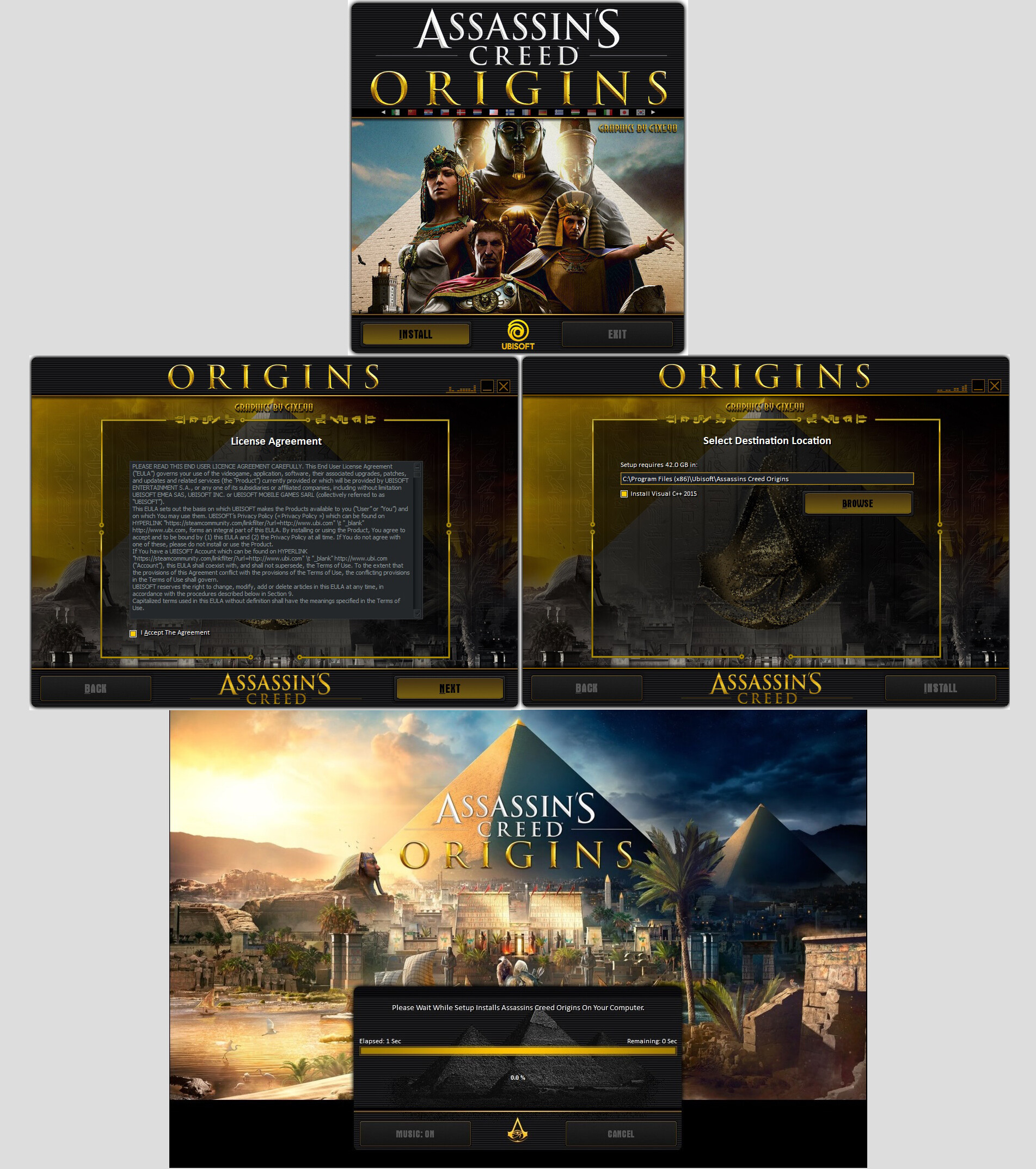

Added conversion with new update v1.41 using CIUv2 v2.0.3.9 U10 H1 (afr+bpk Mask Compression)!!

Last edited by GTX590; 28-05-2025 at 09:00.
Reply With Quote
The Following 25 Users Say Thank You to GTX590 For This Useful Post:
41UC4RD (27-10-2017), blacknebula (11-07-2018), Gls74 (14-02-2018), houcine80 (28-10-2017), KaktoR (27-10-2017), kassane (28-10-2017), kokousic (11-12-2022), l4km47 (31-10-2017), losdepavas21 (04-02-2018), marston (08-02-2018), mausschieber (27-10-2017), mesut28 (28-10-2017), moj007 (27-10-2017), NTurky (14-02-2018), omdj (22-11-2018), ostallica89 (29-02-2020), Razor12911 (05-11-2017), Ronburi (12-02-2018), sied (04-02-2018), Simorq (27-10-2017), Stor31 (04-02-2018), sutikno (28-10-2017), Titeuf (05-02-2018), wit (27-10-2017), zirkhaki (28-10-2017)
Sponsored Links