Is there any method to find those reg keys?
I searched in regedit and found some pages with some information. But I do not know which ones are needed!
========
Edit:
Are these info helpful?
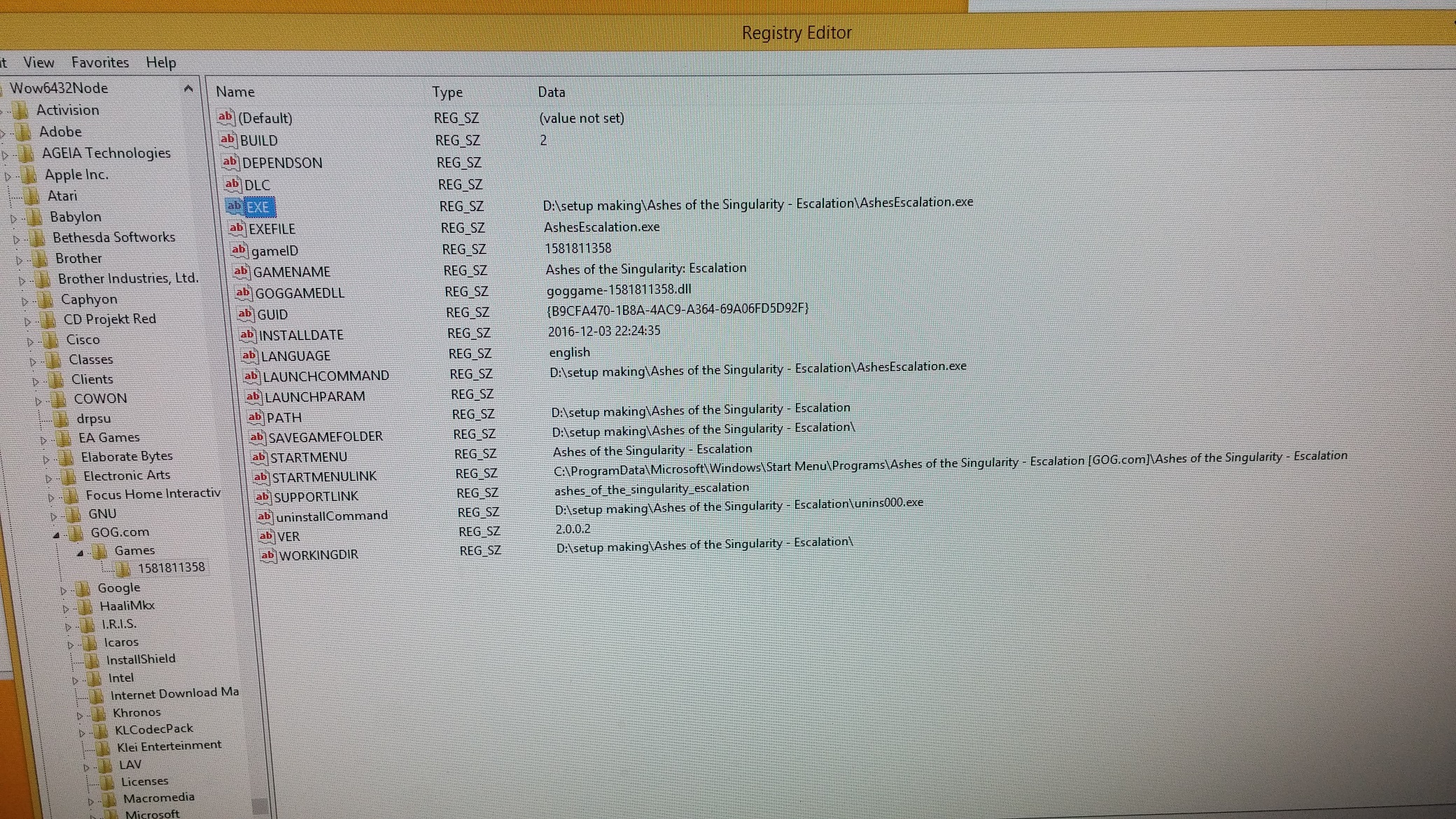
Code:
Windows Registry Editor Version 5.00

[HKEY_LOCAL_MACHINE\SOFTWARE\Wow6432Node\GOG.com\Games\1581811358]
"PATH"="D:\\setup making\\Ashes of the Singularity - Escalation"
"GAMENAME"="Ashes of the Singularity: Escalation"
"STARTMENULINK"="C:\\ProgramData\\Microsoft\\Windows\\Start Menu\\Programs\\Ashes of the Singularity - Escalation [GOG.com]\\Ashes of the Singularity - Escalation"
"GOGGAMEDLL"="goggame-1581811358.dll"
"GUID"="{B9CFA470-1B8A-4AC9-A364-69A06FD5D92F}"
"BUILD"="2"
"STARTMENU"="Ashes of the Singularity - Escalation"
"gameID"="1581811358"
"uninstallCommand"="D:\\setup making\\Ashes of the Singularity - Escalation\\unins000.exe"
"DEPENDSON"=""
"DLC"=""
"INSTALLDATE"="2016-12-03 22:24:35"
"VER"="2.0.0.2"
"SUPPORTLINK"="ashes_of_the_singularity_escalation"
"LANGUAGE"="english"
"SAVEGAMEFOLDER"="D:\\setup making\\Ashes of the Singularity - Escalation\\"
"LAUNCHPARAM"=""
"LAUNCHCOMMAND"="D:\\setup making\\Ashes of the Singularity - Escalation\\AshesEscalation.exe "
"EXE"="D:\\setup making\\Ashes of the Singularity - Escalation\\AshesEscalation.exe"
"EXEFILE"="AshesEscalation.exe"
"WORKINGDIR"="D:\\setup making\\Ashes of the Singularity - Escalation\\"