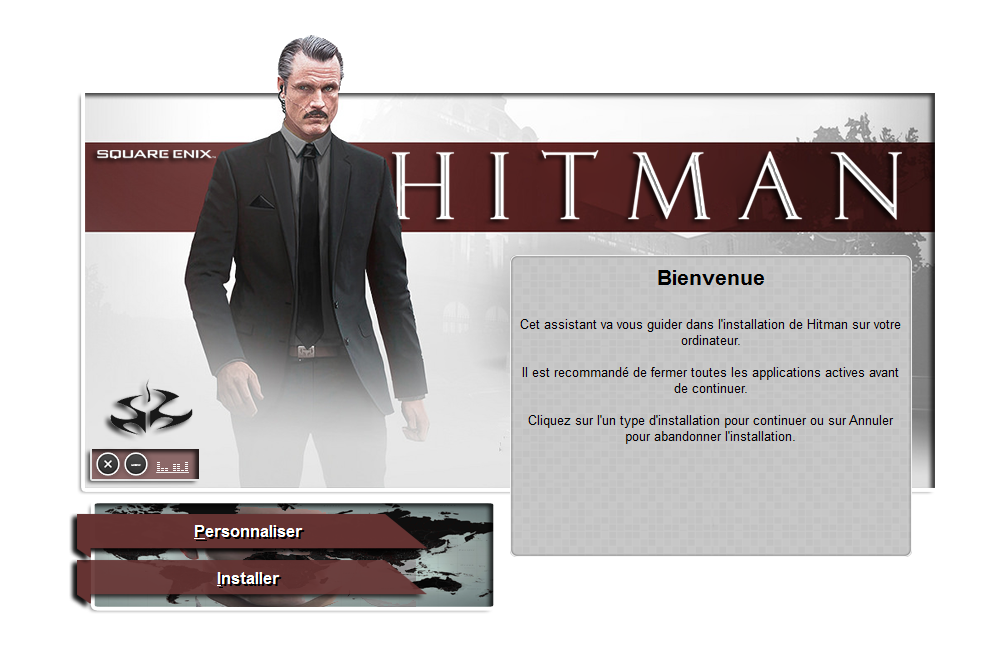
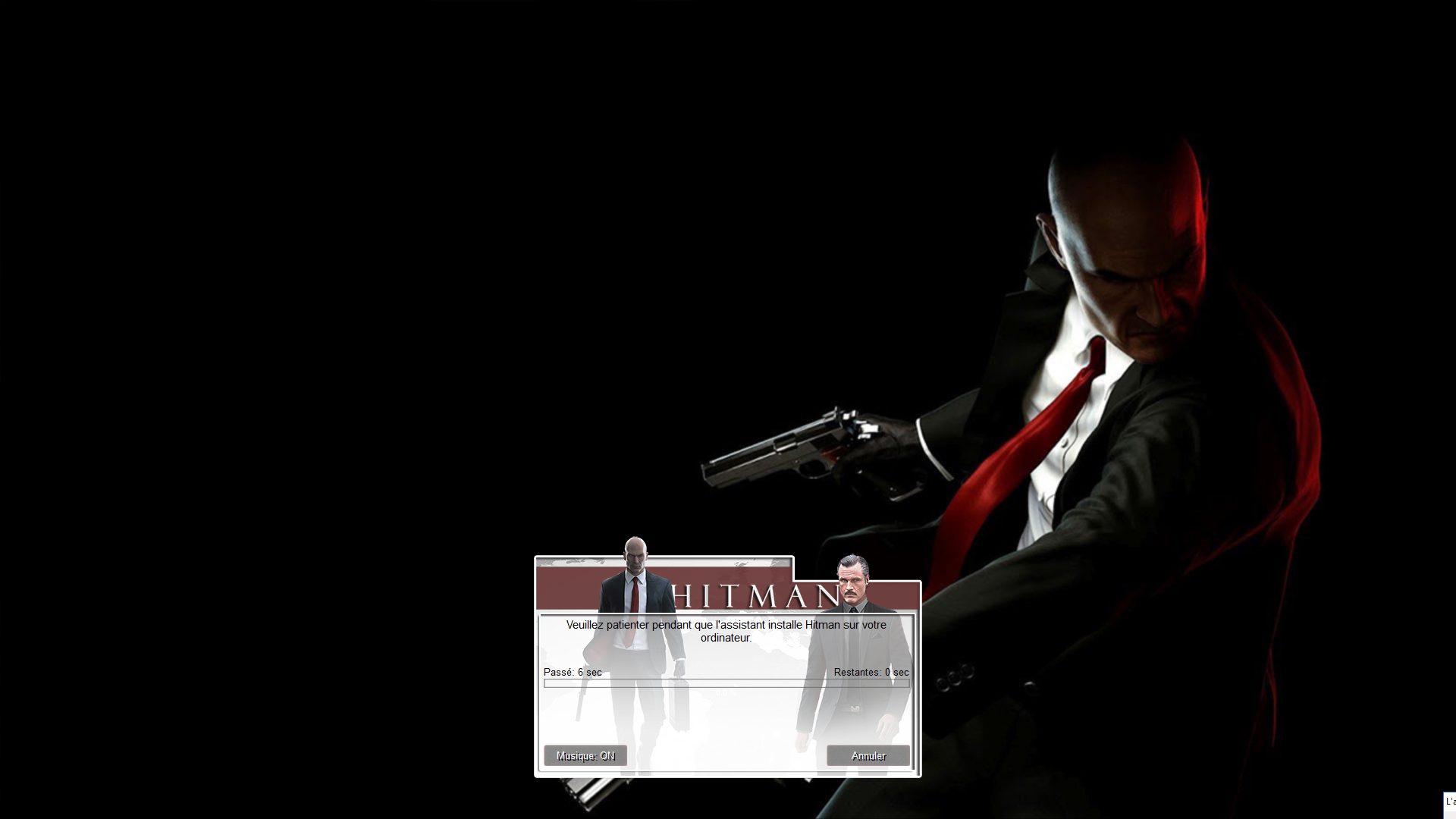
CUI-v2 By Yener90 Modified By BAMsE
UltraARC By razor12911
1)- Install the Game And Download Attachment
2)- ( Directx, vcredist, ) Use the following structure:
Code:
[Launch1]
Name=DirectX
32Exe={src}\_CommonRedist\DirectX\Jun2010\DXSETUP.exe
Argument=/silent
BeforeInstall=0

[Launch2]
Name=Microsoft C++ 2012 X86
32Exe={src}\_CommonRedist\vcredist\2012\vcredist_x86.exe
Argument=/q /norestart
BeforeInstall=0

[Launch3]
Name=Microsoft C++ 2012 X64
64Exe={src}\_CommonRedist\vcredist\2012\vcredist_x64.exe
Argument=/q /norestart
BeforeInstall=0

[Launch4]
Name=Microsoft C++ 2015 X86
32Exe={src}\_CommonRedist\vcredist\2015\vcredist_x86.exe
Argument=/q /norestart
BeforeInstall=0

[Launch5]
Name=Microsoft C++ 2015 X64
64Exe={src}\_CommonRedist\vcredist\2015\vcredist_x64.exe
Argument=/q /norestart
BeforeInstall=0
3)- Run UltraARC.exe select game folder, Output Location, then goto Output tab
4)- we must test the game because I have not the game
5)- Test the conversion, before burning ISO.
thx to pakrat for compression