Batman.Arkham.Knight.v1.0.4.5 (Compress.bat)(8X DVD5) CIUV2 By "Yener90"
Credits:
-CIUV2 By *Yener90*
-Compress.bat ( Based on The Nameless One scripts. )
-Game version: v1.0.4.5
-Compression:
srep+lzma
-File extension: .bin
-Music: Game ost.
1)- Install the Game And all updates. (I don't have the Premium Edition).
2)- Download Attachment and extract on your HDD (not in game folder please!).
3)- Apply no dvd if necessary.
4)- Run Compress.bat , Choose Game Folder And Start (may take a while).
5)- Make iso files with the same name of folders.
6)- Test the iso files before you burn.
NOTE:
CommonRedist structure in (BAK_8);
[Launch1]
Name=DirectX
32Exe={src}\_CommonRedist\DirectX\Jun2010\DXSETUP. exe
Argument=/silent
BeforeInstall=0
[Launch2]
Name=Microsoft Visual C++ 2010
32Exe={src}\_CommonRedist\vcredist\2010\vcredist_x 86.exe
64Exe={src}\_CommonRedist\vcredist\2010\vcredist_x 64.exe
Argument=/q /norestart
BeforeInstall=0
[Launch3]
Name=Microsoft Visual C++ 2012
32Exe={src}\_CommonRedist\vcredist\2012\vcredist_x 86.exe
64Exe={src}\_CommonRedist\vcredist\2012\vcredist_x 64.exe
Argument=/q /norestart
BeforeInstall=0
[Launch4]
Name=Microsoft .NET Framework 4.5.1
32Exe={src}\_CommonRedist\DotNet\4.5.1\NDP451-KB2872776-x86-x64-AllOS-ENU.exe
Argument=/q /norestart
NOTE:
This is a two Languages conversion (Eng+Fr)
I've put language folders in the last Disc
(BAK_8) so that you can add or change the languages you want.
e.g.
BMGame\CookedPCConsole\
English(US)\*
BMGame\CookedPCConsole\
French(France)\*
Open
Data8.lst and replace the name of you own language (Bold one only).
DLC's List:
----------
- Harley Story
- Red Hood Story
- WayneTech
- BMOB Prototype
- Batman 1st Appear
- Skin Batman Flashpoint
- Skin New 52
- Skin Steam Pack
- SeasonPass
NOTE:
To remove the 30 FPS limit
Edit BMSystemSettings.ini found in ( [...]Batman\Arkham Knight\BMGameConfig )
and change
MaxFPS=30.000000 to
120.000000
MaxFPS=120.000000
Screenshots:


 New Design For Complete Edition:
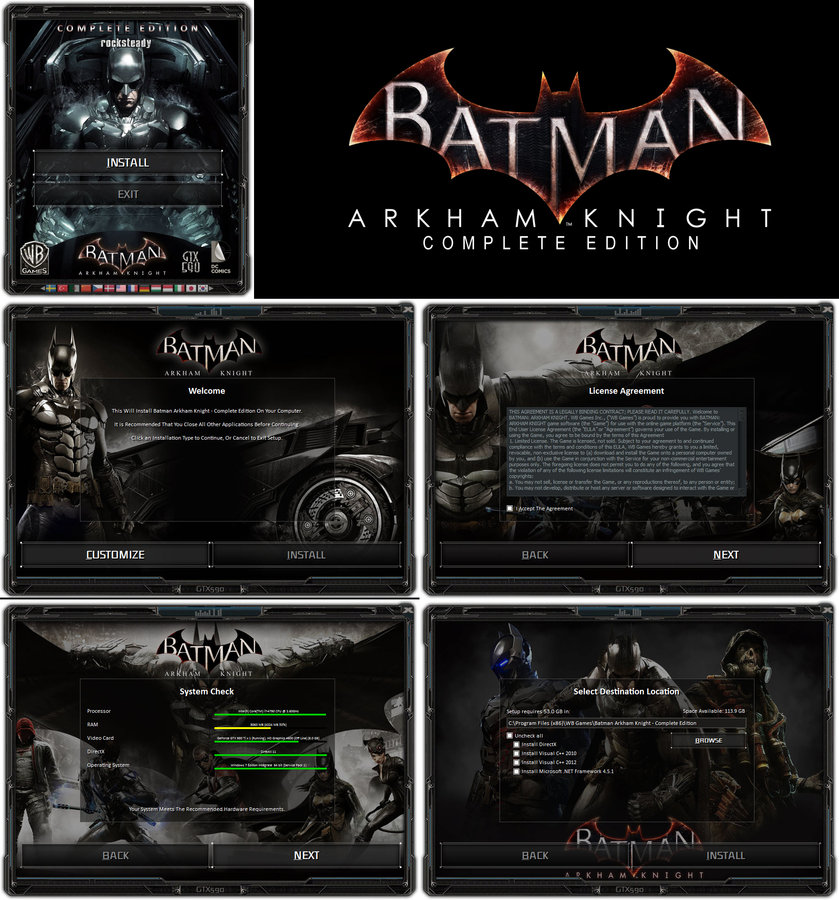 Added conversion for Complete Edition using CIU 3.0.0.0.u3 [2019.03.28]!!