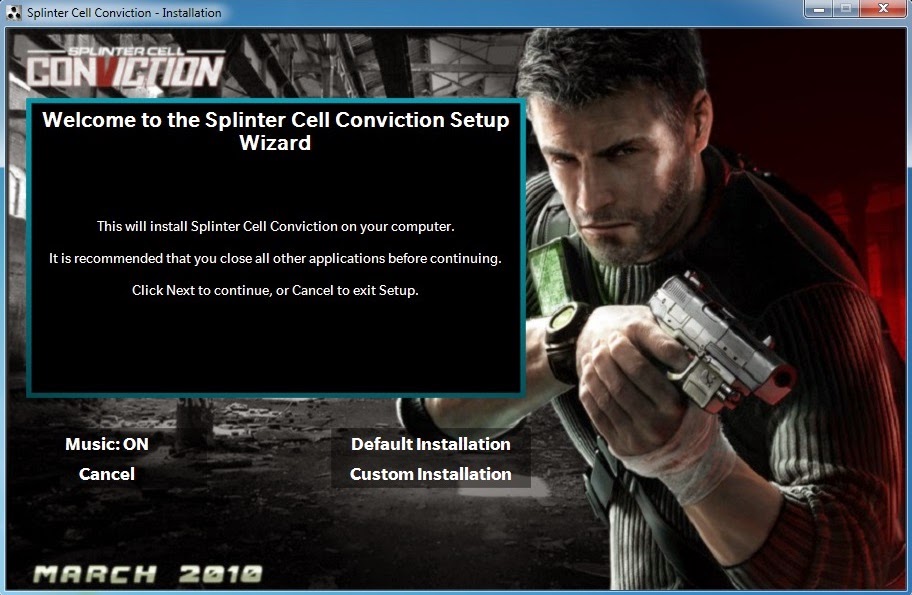
Tom Clancy's Splinter Cell Conviction
You can try in other languages..Leave the file which the language you want to install,delete rest of them...test and report
Source: Yener90
1: Install the game
2: Download attachment SCC 2xDVD5.7z,extract completely (wherever you want)
3: Copy Support folder from DVD9 to DVD2
4: Install All patch (1.1,1.2,1.3,1.4)
5: Open InstallerScript.iss in DVD1 folder using Inno Setup,UNICODE version need to be installed on your system
6: Correct the install directory "D:\Program Files (x86)\Ubisoft\Tom Clancy's Splinter Cell Conviction" to your one and compile
7: After compile,Run clean_up.bat and Burn or make iso with same label names of temp folders
Install Sequence: DVD1-DVD2
DVD1 = 4.05 gb(eng only)
DVD2 = 2.95 gb(whiteout support folder)