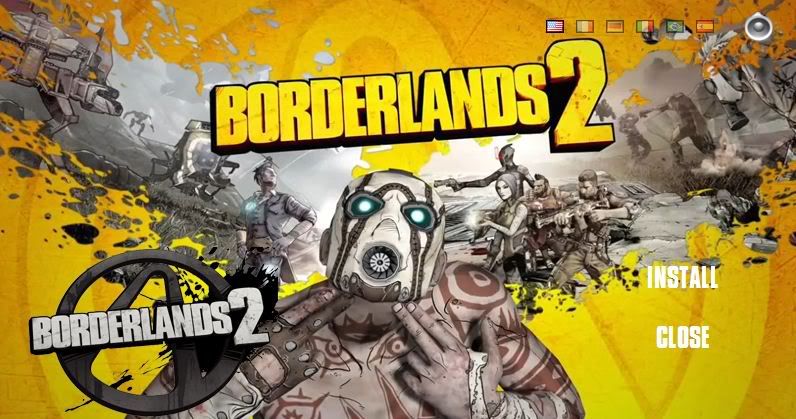
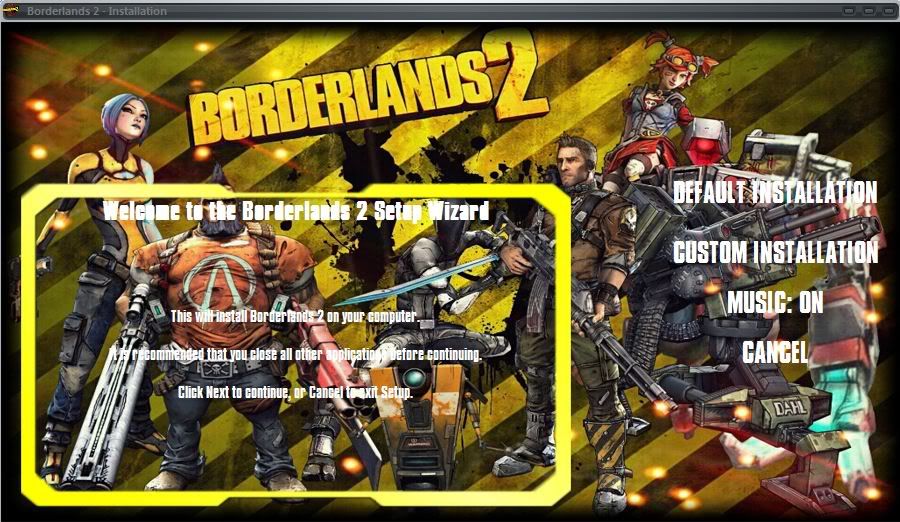
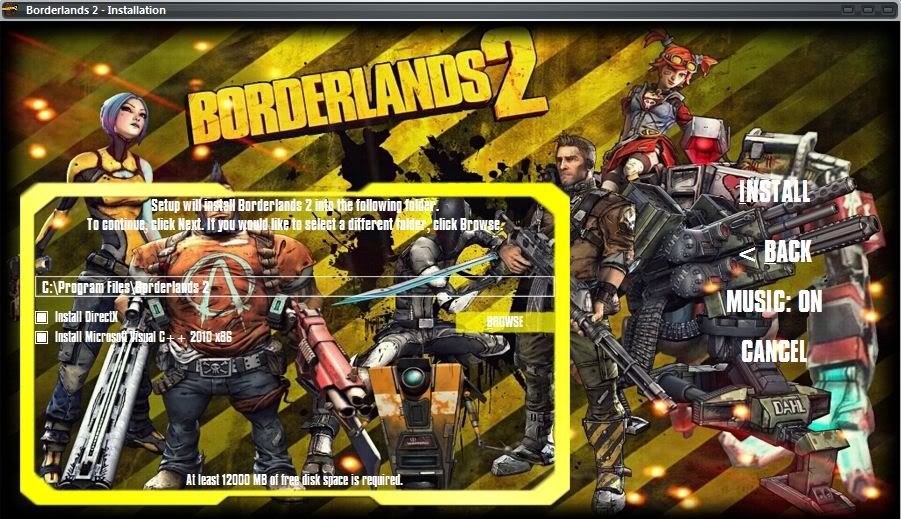
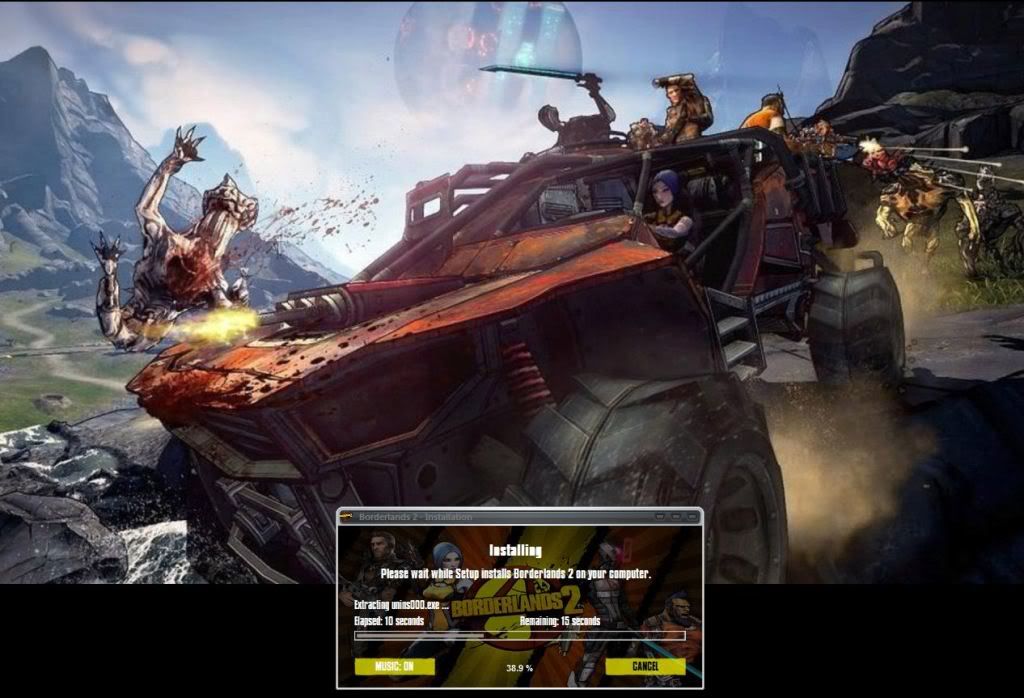
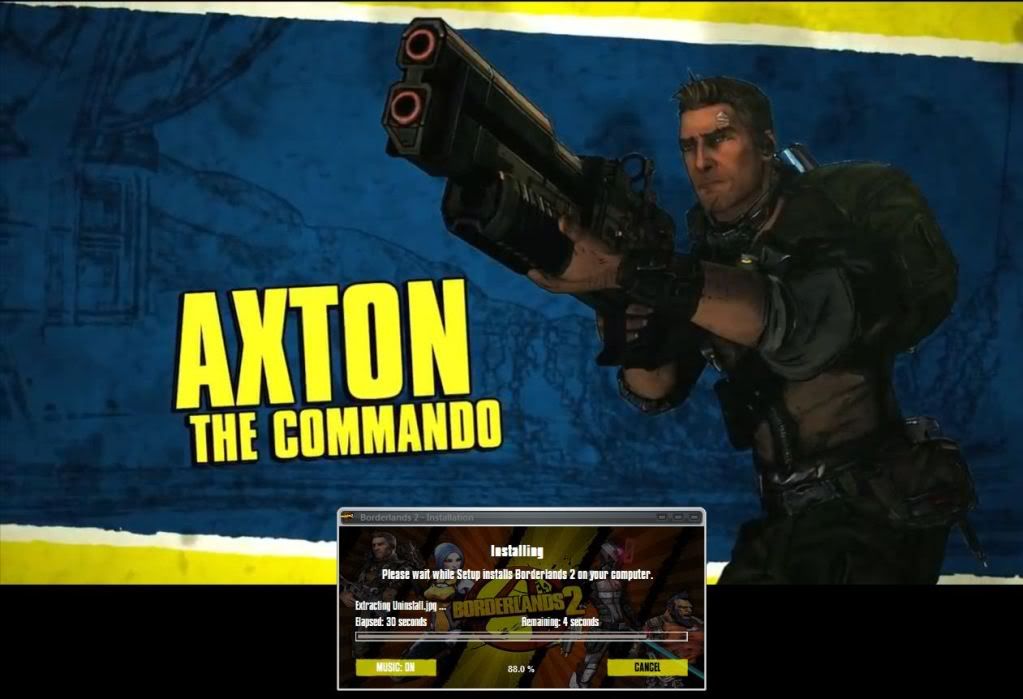
Borderlands 2 (Inno Setup)
Added Splash.gif image
i hope u like that  Based on Yener90 CI and also of Fabioddq conversion
1. Go to installed game's folder and move redist folder to somewhere else.
2. Go to ''Borderlands 2\WillowGame\CookedPCConsole'' and delete language folders which you don't want.
3. Download the attachment below. Open installerscript.iss with Unicode version of INNO and change the following line according to your game's installed location:
Code:
Code:
#define ProgramFiles "E:\Program Files (x86)\2K Games\Borderlands 2 1DVD5"
4. Click compile, wait..
5. Burn the files to DVD or make a iso file
ENJOY !!